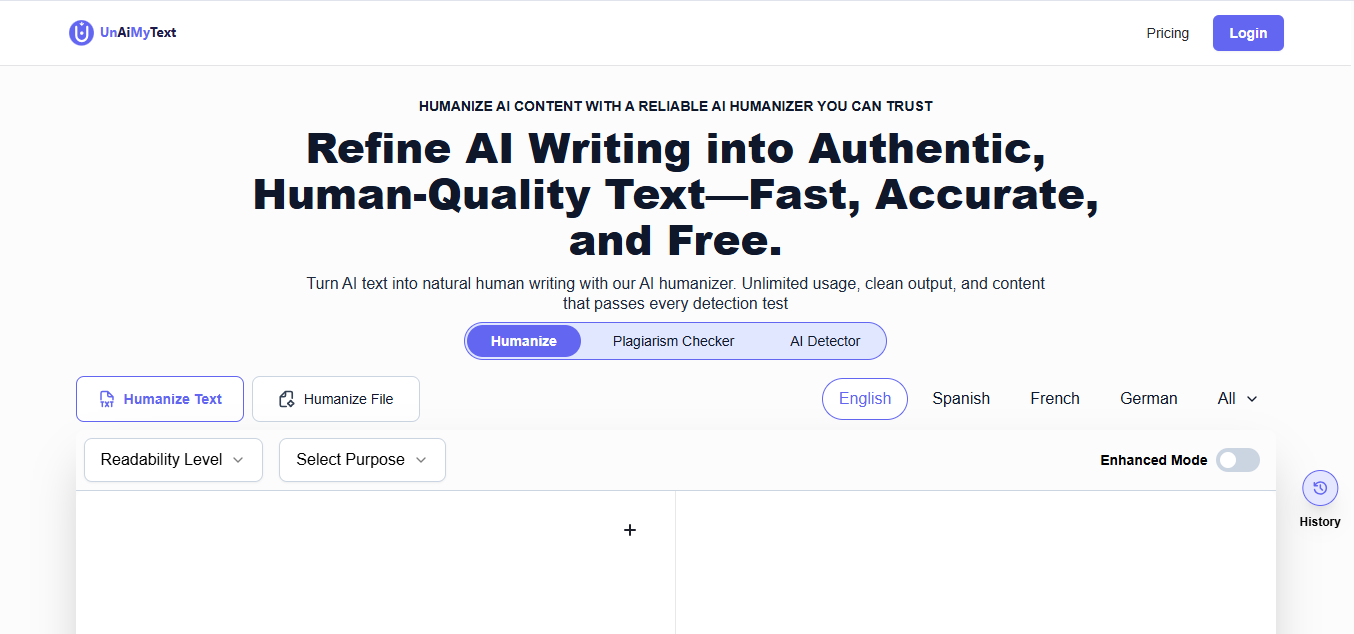
Un AI my text
This tool utilizes advanced linguistic algorithms to rewrite AI-generated text, improving tone, flow, and authenticity. It assists users in creating content that appears human-written and bypasses common AI detection platforms.
Visit Un AI my text
Visit SiteAbout Un AI my text
Company Information
Un AI my text is developed by Un AI my text, a company dedicated to creating innovative AI solutions.
Available Platforms
Added on 2/5/2026
Product Information
What is Un AI my text?
Un AI my text is a tool that rewrites AI-generated content to improve its tone, flow, and authenticity, making it appear more human-written.
How to Use Un AI my text
- Visit the Un AI my text website.
- Paste the AI-generated text into the provided text box.
- Select the desired tone and style adjustments.
- Click on the 'Rewrite' button to process the text.
- Review the rewritten content and make any necessary edits.
- Download or copy the final version for use.
Un AI my text's Key Features
Advanced linguistic algorithms
Improves tone and flow
Enhances authenticity
Bypasses AI detection
User-friendly interface
Customizable writing styles
Instant rewriting process
Pros
- Produces human-like text
- Easy to use
- Time-efficient content creation
- Improves writing quality
- Versatile for various content types
Cons
- May require manual editing
- Limited free features
- Dependent on initial text quality
Pros & Cons
Pros
- Produces human-like text
- Easy to use
- Time-efficient content creation
- Improves writing quality
Cons
- May require manual editing
- Limited free features
- Dependent on initial text quality
Featured AI Tools
Passionfroot Discovery
Streamline brand deals with an all-in-one collaboration and management platform.

Guidde - Magically create video documentation
Create How-to Videos in Seconds with AI

VibeLoop
Journaling one vibe a day with magical AI companions
Launch Embeds
Use website badges to drive support from your community for your What the AI Launch. They're easy to embed on your homepage or footer.

Autumn AI
Autumn | Prevent burnout and improve your team's well-being with Autumn....

Neuronwriter
NeuronWriter - Content optimization with #semanticSEO
Mem.ai
Mem: The self-organizing workspace
NeuralStudio
NeuralCam
Xembly
Xembly | An automated Chief of Staff for every worker -
Paraphraser
Free Paraphrasing For All Languages
Dost
DOST