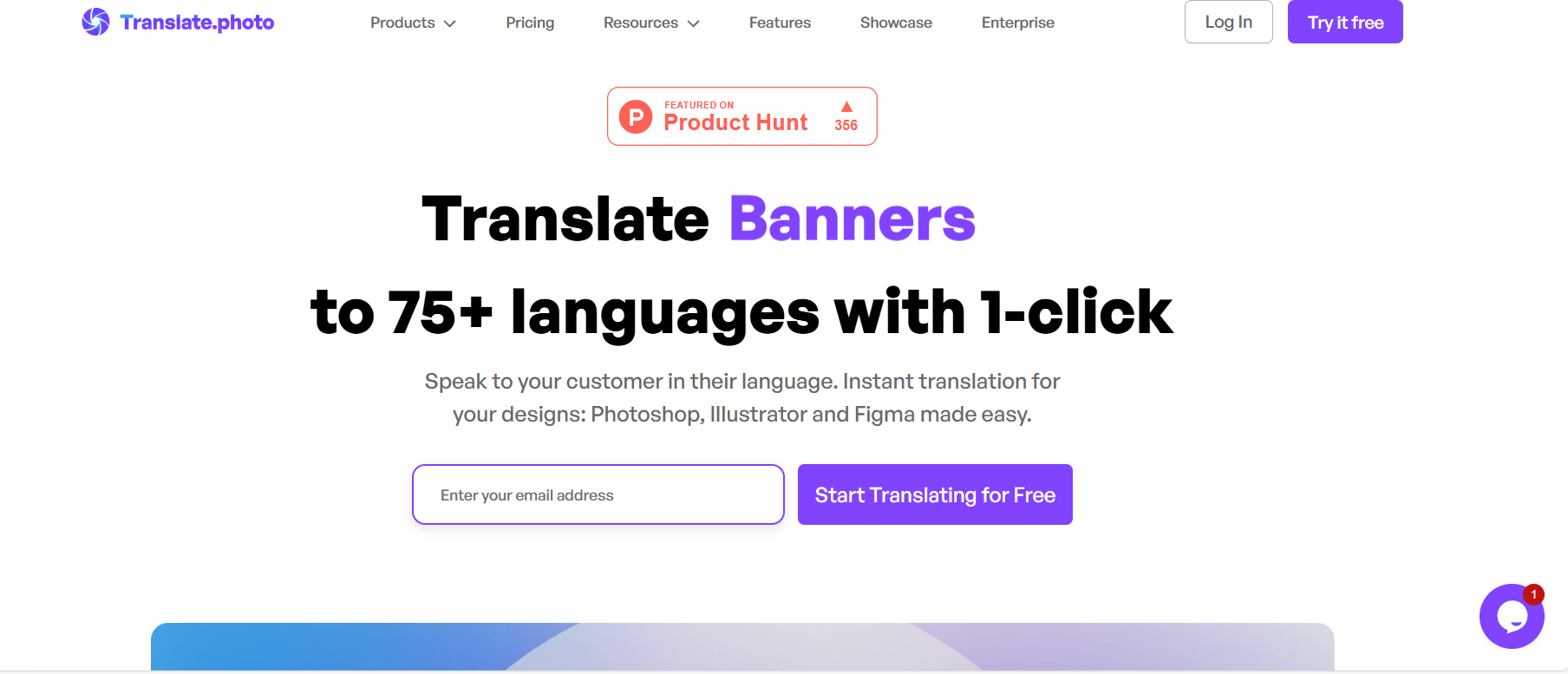
Translate.photo
Translate images into 75+ langauges
Visit Translate.photo
Visit SiteAbout Translate.photo
Company Information
Translate.photo is developed by Vitra.ai, a company dedicated to creating innovative AI solutions.
Available Platforms
Added on 12/10/2025
Product Information
What is Translate.photo?
Translate.photo is an AI-powered tool that translates text from images into more than 75 languages, utilizing OCR technology for accurate processing.
How to Use Translate.photo
- Visit the Translate.photo website.
- Upload the image containing text you want to translate.
- Select the target language for translation.
- Click on the 'Translate' button to process your request.
- Review and download the translated text or image.
Translate.photo's Key Features
Supports 75+ languages
Optical character recognition (OCR)
User-friendly interface
Fast translation processing
Image upload functionality
Download translated text/images
Multi-language support
Pros
- Quick and efficient translations
- Wide language support
- Easy to use for everyone
- Helps in travel and business
- Accurate text extraction
Cons
- Limited to text within images
- Dependent on image quality
- May struggle with handwriting
Pros & Cons
Pros
- Quick and efficient translations
- Wide language support
- Easy to use for everyone
- Helps in travel and business
Cons
- Limited to text within images
- Dependent on image quality
- May struggle with handwriting
Featured AI Tools
Passionfroot Discovery
Streamline brand deals with an all-in-one collaboration and management platform.

Guidde - Magically create video documentation
Create How-to Videos in Seconds with AI

VibeLoop
Journaling one vibe a day with magical AI companions
Launch Embeds
Use website badges to drive support from your community for your What the AI Launch. They're easy to embed on your homepage or footer.


Dialects
Break language barriers with Dialects
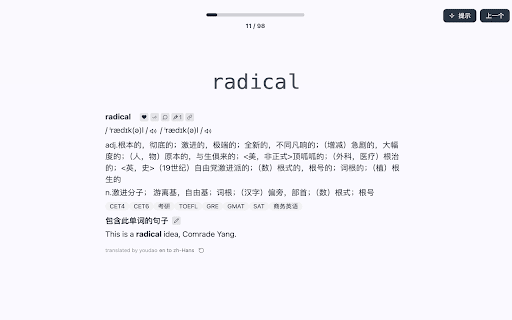
lingo link
Translation and language learning assistant

Image Translator - ai photo/image Translator use ChatGPT
Translate images in 30+ languages instantly
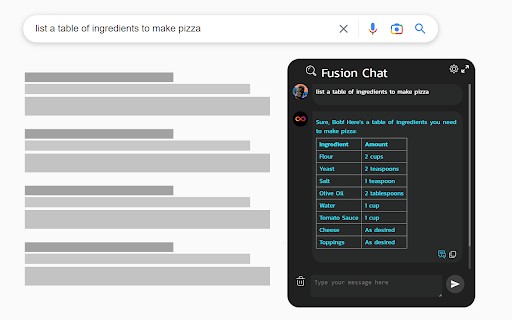
ChatGPT 4 for Google - ChatGPT Everywhere
AI-powered chat and image generation for search engines
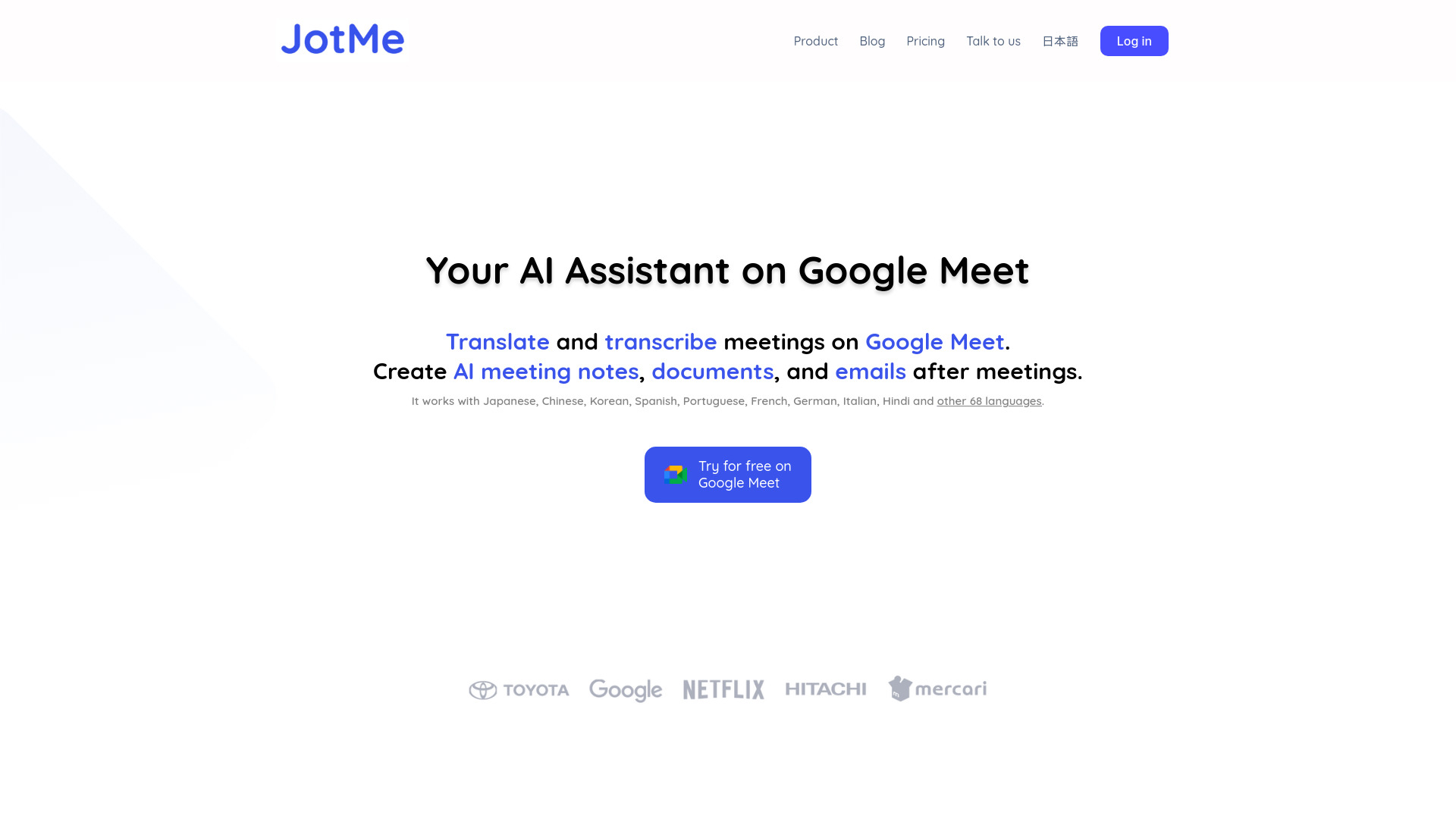
JotMe for Google Meet
Real-time translation and multilingual meeting notes platform

Translate.video
Translate.Video is a popular platform for translating videos into over 75 languages.
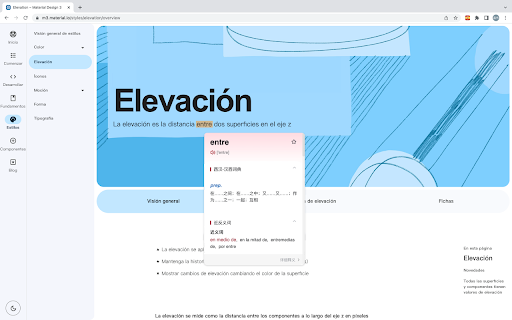
西语助手
Spanish learning support with translation and sync features.
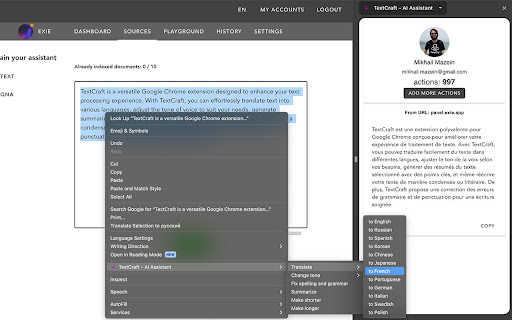
TextCraft - AI Assistant
Enhance browsing with AI for translations, summaries & rewrites.

Toss To Papago
AI translation for Korean, English, and Japanese
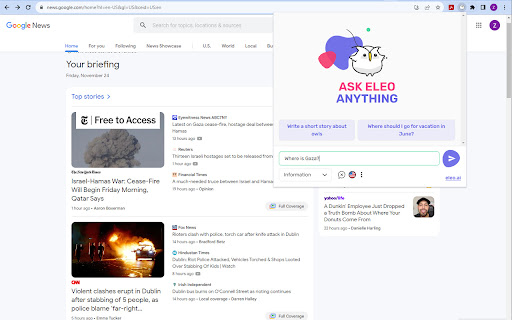
Eleo AI Assistant
Your personal productivity booster.
Similar AI Tools
Dialects
Break language barriers with Dialects
lingo link
Translation and language learning assistant
Image Translator - ai photo/image Translator use ChatGPT
Translate images in 30+ languages instantly
ChatGPT 4 for Google - ChatGPT Everywhere
AI-powered chat and image generation for search engines
JotMe for Google Meet
Real-time translation and multilingual meeting notes platform
Translate.video
Translate.Video is a popular platform for translating videos into over 75 languages.