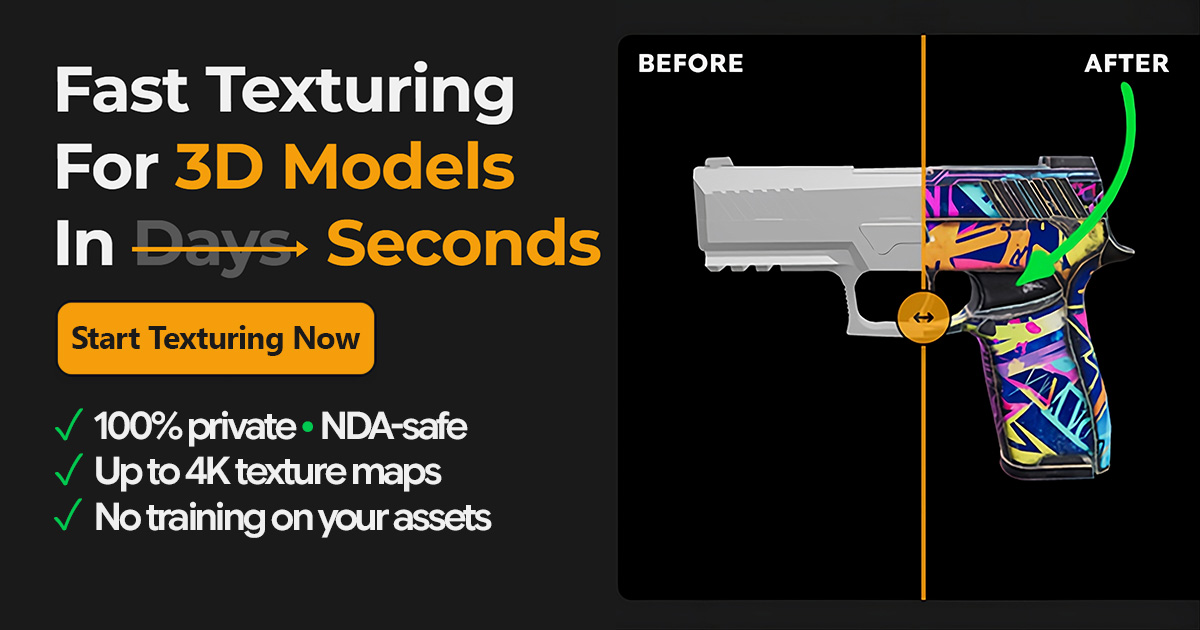
TextureFast
Fast Texturing For 3D Models In Seconds
Visit TextureFast
Visit SiteAbout TextureFast
Available Platforms
Added on 2/13/2026
Product Information
What is TextureFast?
TextureFast is a fast texturing tool for 3D models that generates high-quality textures in seconds using AI technology.
How to Use TextureFast
- Visit the TextureFast website and create an account.
- Upload your 3D model to the platform.
- Select the desired texture settings and parameters.
- Click the 'Generate' button to create the texture.
- Download the generated texture files and apply them to your model.
TextureFast's Key Features
AI-driven texture generation
Quick processing time
User-friendly interface
Supports various file formats
Customizable texture settings
High-quality output
Real-time previews
Pros
- Significantly reduces texturing time
- Easy to use for beginners
- Produces professional-quality textures
- Compatible with multiple 3D software
- Enhances overall project quality
Cons
- Limited texture customization options
- Requires a stable internet connection
- Subscription-based pricing model
Pros & Cons
Pros
- Significantly reduces texturing time
- Easy to use for beginners
- Produces professional-quality textures
- Compatible with multiple 3D software
Cons
- Limited texture customization options
- Requires a stable internet connection
- Subscription-based pricing model
Featured AI Tools
Passionfroot Discovery
Streamline brand deals with an all-in-one collaboration and management platform.

Guidde - Magically create video documentation
Create How-to Videos in Seconds with AI

VibeLoop
Journaling one vibe a day with magical AI companions
Launch Embeds
Use website badges to drive support from your community for your What the AI Launch. They're easy to embed on your homepage or footer.

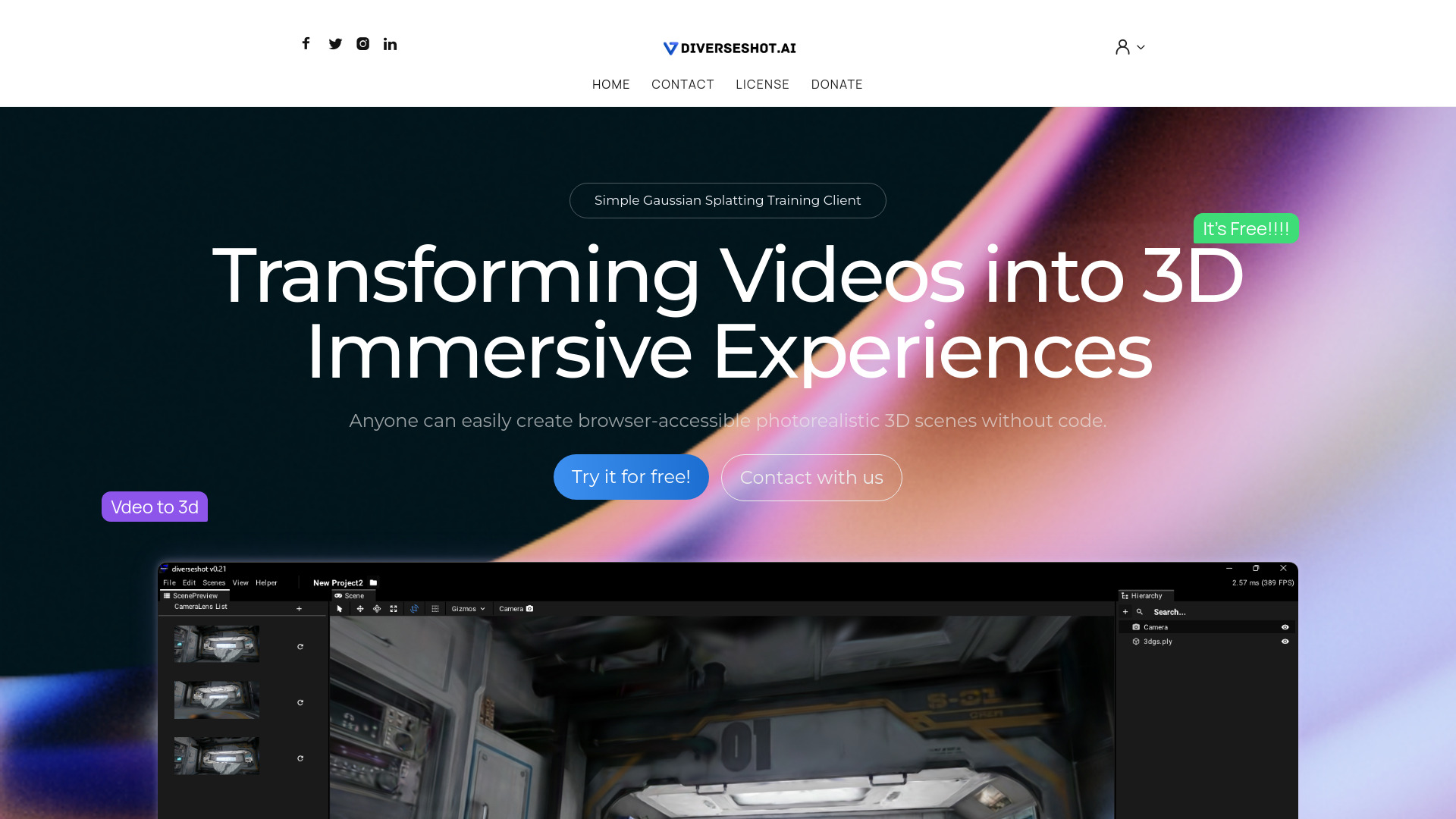
DiverseShot
AI toolkit for transforming videos into 3D experiences
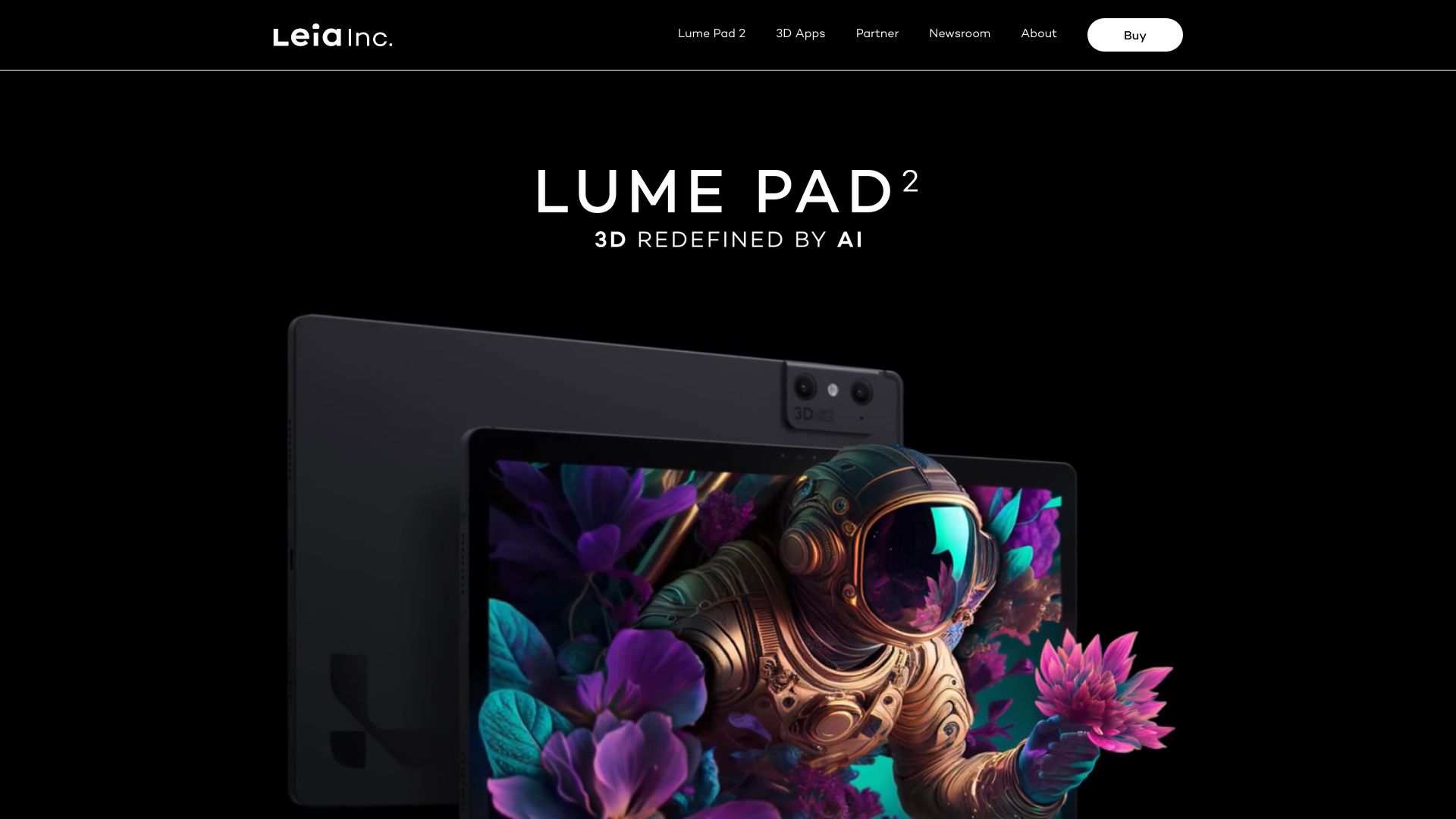
Lume Pad 2
Leia Inc. offers immersive 3D•AI technology with Lume Pad 2, the world's first 3D tablet.
Hunyuan3D 2.0
Open-source model for high-res 3D asset generation.

gNucleus AI
Generate 3D CAD models from text input.
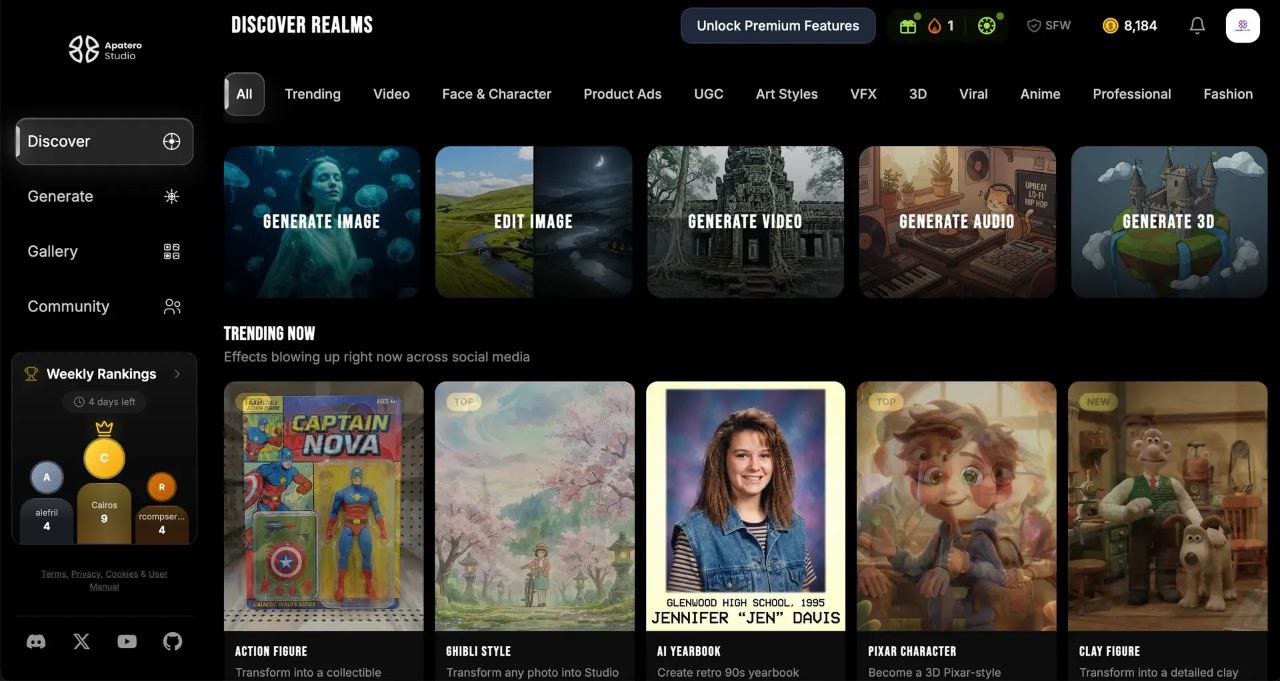
Apatero Studio
Every AI Model. No Limits.

psychoroid.com
Create and customize 3D models using AI.
![Viggle AI [Latest Version]](https://whatheai.blob.core.windows.net/tools/viggle-ai-latest-version.jpg)
Viggle AI [Latest Version]
Image-to-3D animation tool.
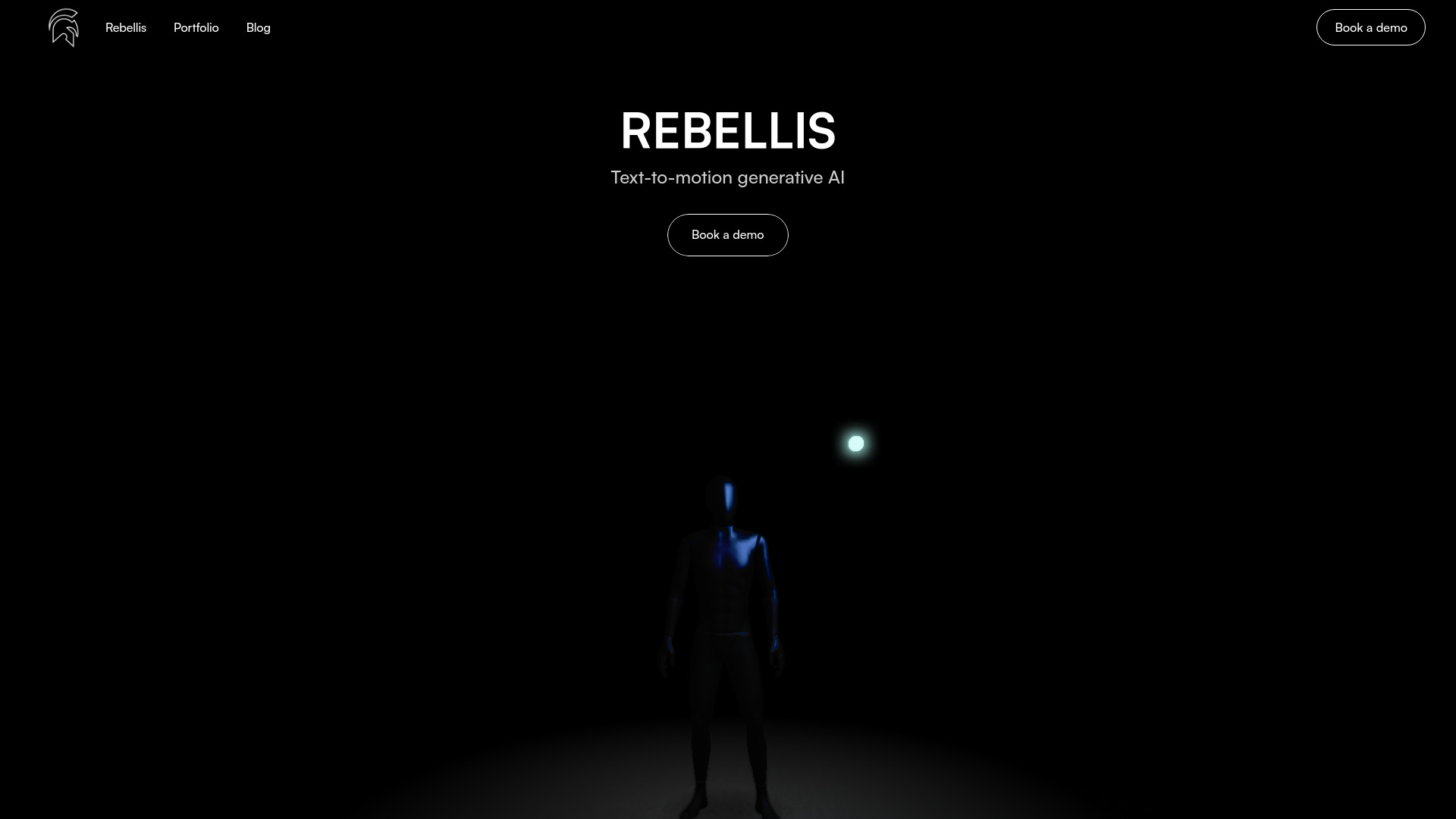
Rebellis AI
Text-to-motion generative AI platform
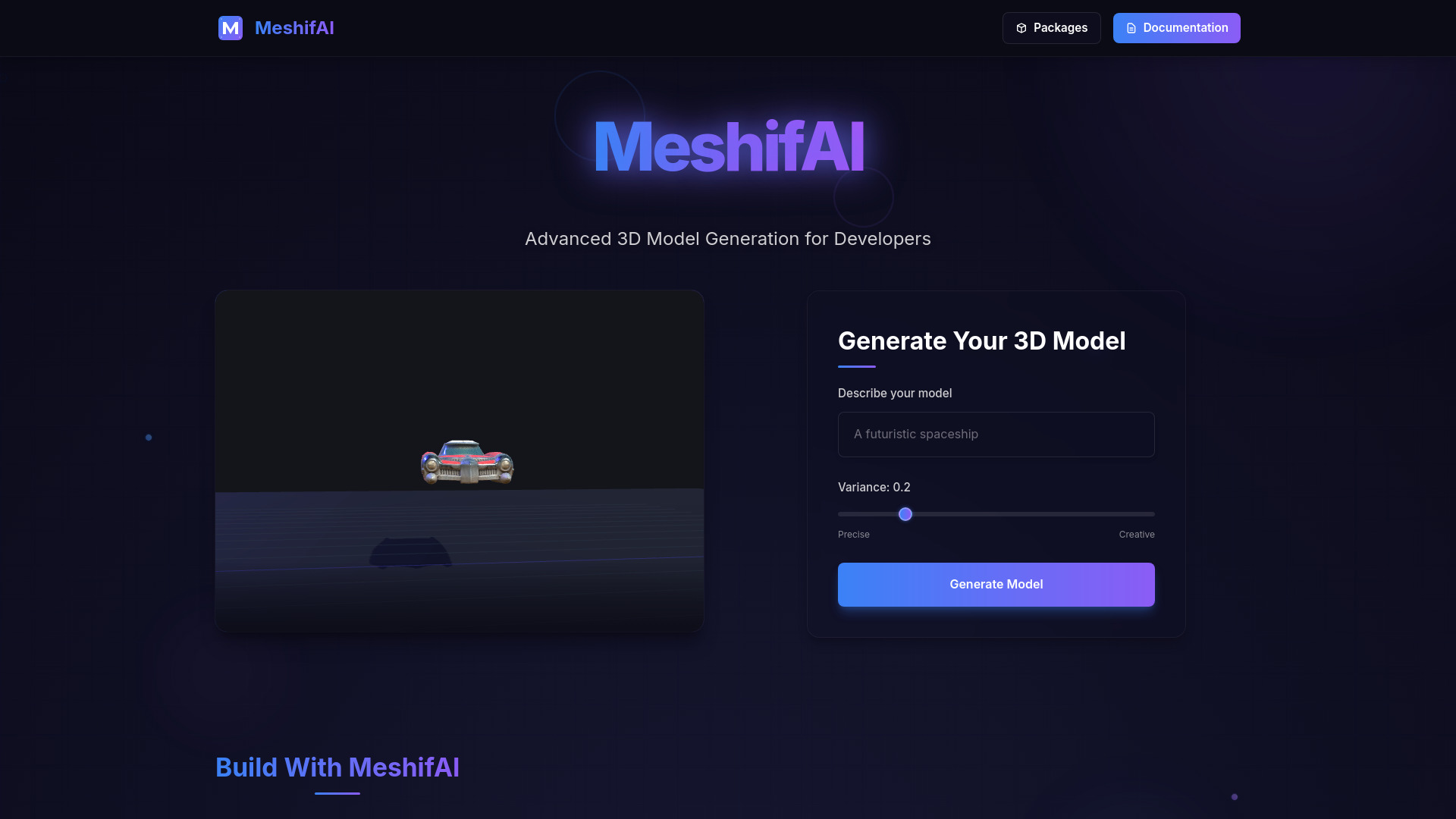
MeshifAI
AI-powered platform for generating 3D models from text descriptions.
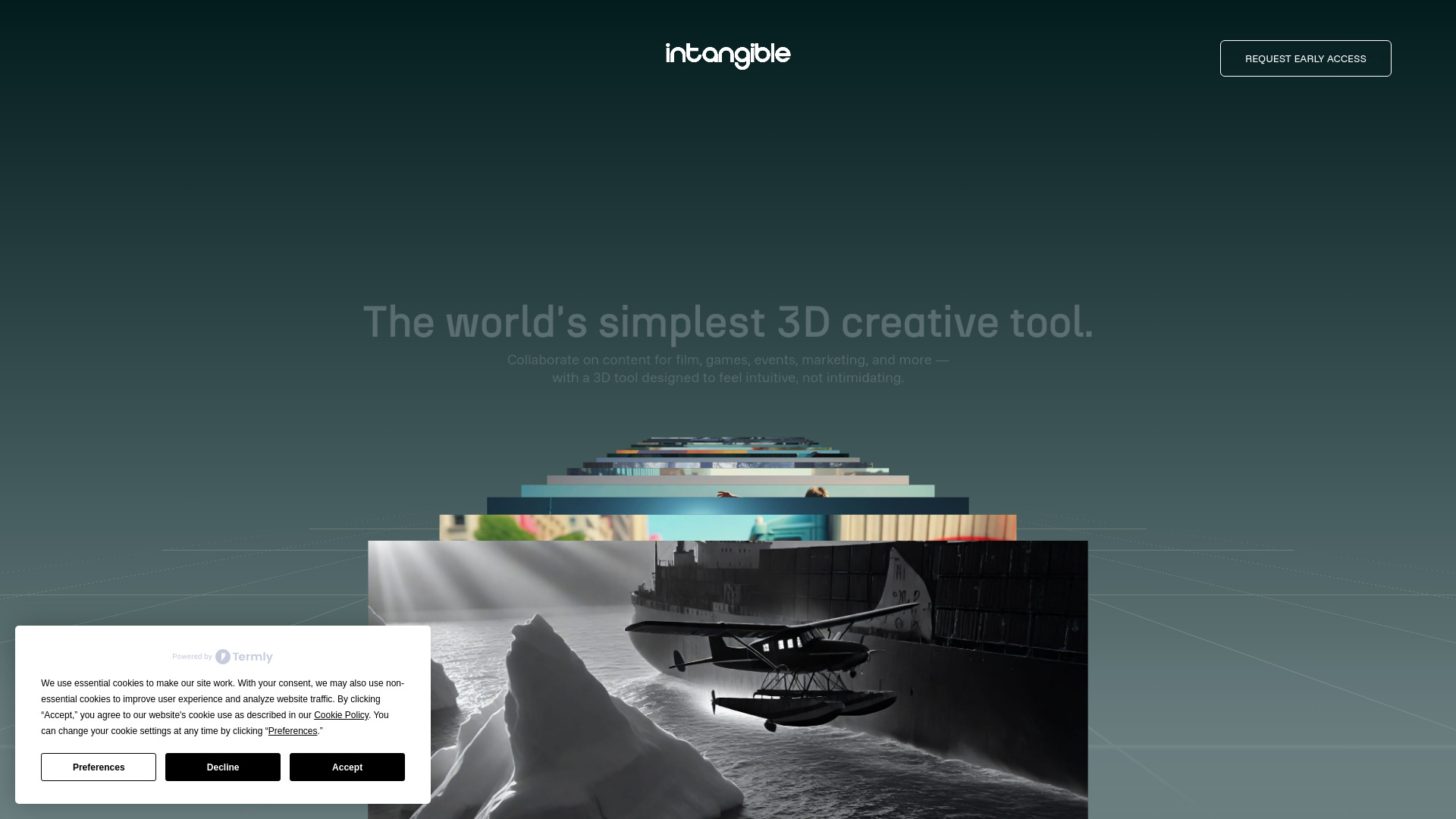
Intangible.ai
AI-powered 3D creation tool for visuals and scenes.
Similar AI Tools
DiverseShot
AI toolkit for transforming videos into 3D experiences
Lume Pad 2
Leia Inc. offers immersive 3D•AI technology with Lume Pad 2, the world's first 3D tablet.
Hunyuan3D 2.0
Open-source model for high-res 3D asset generation.
gNucleus AI
Generate 3D CAD models from text input.
Apatero Studio
Every AI Model. No Limits.
psychoroid.com
Create and customize 3D models using AI.