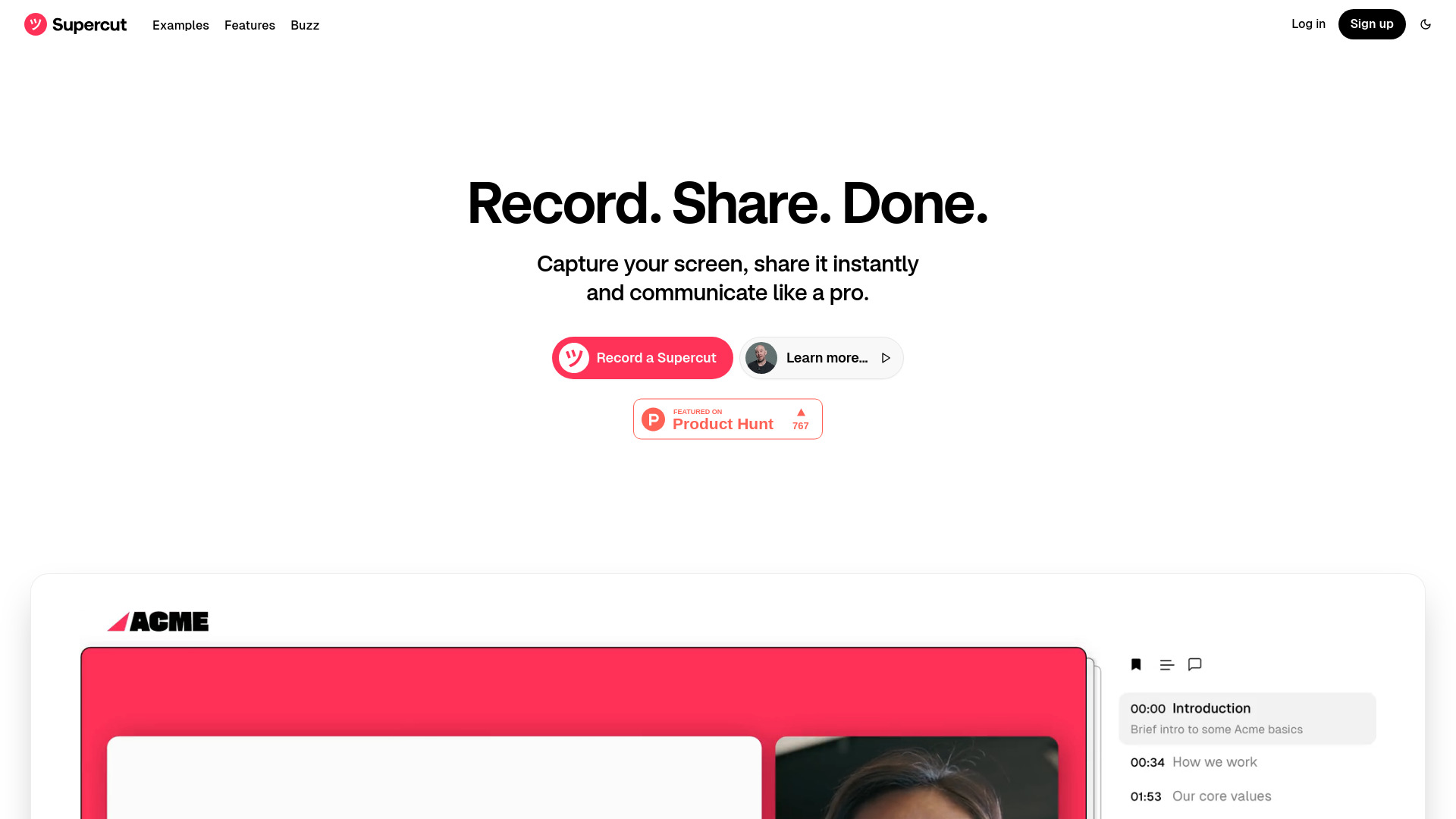
ツSupercut
User-friendly screen recorder for professional sharing and communication.
Visit ツSupercut
Visit SiteAbout ツSupercut
Company Information
ツSupercut is developed by Float Labs Ltd, a company dedicated to creating innovative AI solutions.
Available Platforms
Added on 3/26/2025
Product Information
What is ツSupercut?
Supercut is a user-friendly screen recording tool that allows you to capture, share, and present content professionally, enhanced with AI features.
How to Use ツSupercut
ツSupercut's Key Features
User-friendly interface
Instant sharing capabilities
AI-assisted features for feedback and documentation
Multiple layout options for branding
Recommended For
Software demos
Client presentations
Training sessions
ツSupercut Tutorials
This new screen recording tool is all you need
I've been testing https://Supercut.video for the last couple of months, and it's really really powerful. This really puts Loom out of the water, they are really not inching towards supreme, but running there fast and everyone will try hard to catch up.
Announcing ツSUPERCUT: blazing fast video messaging that makes you look pro.
Try it free: https://supercut.video ツSupercut is beautiful, simple and fast. Just record your screen, share instantly and look professional...with a little help from AI. Key Features: 🎨 Your brand, multiple layouts – Branded videos where you show up your way. 🏎 Instant sharing – No delays. Share publicly or privately. 📗 Smart navigation – Auto-generated chapters for effortless viewing. 💬 Comments & reactions – Right on the timeline. 🖥 Up to 4K Resolution – Crisp, professional visuals. 📈 Track engagement – See who’s watching and interacting. 📋 AI-powered workflows – Ask questions or generate documents instantly. 🔗 Add CTAs – Drive action from your videos. 👥 Team ready – Get your whole team recording on-brand. Let us know what you think on the comments below.
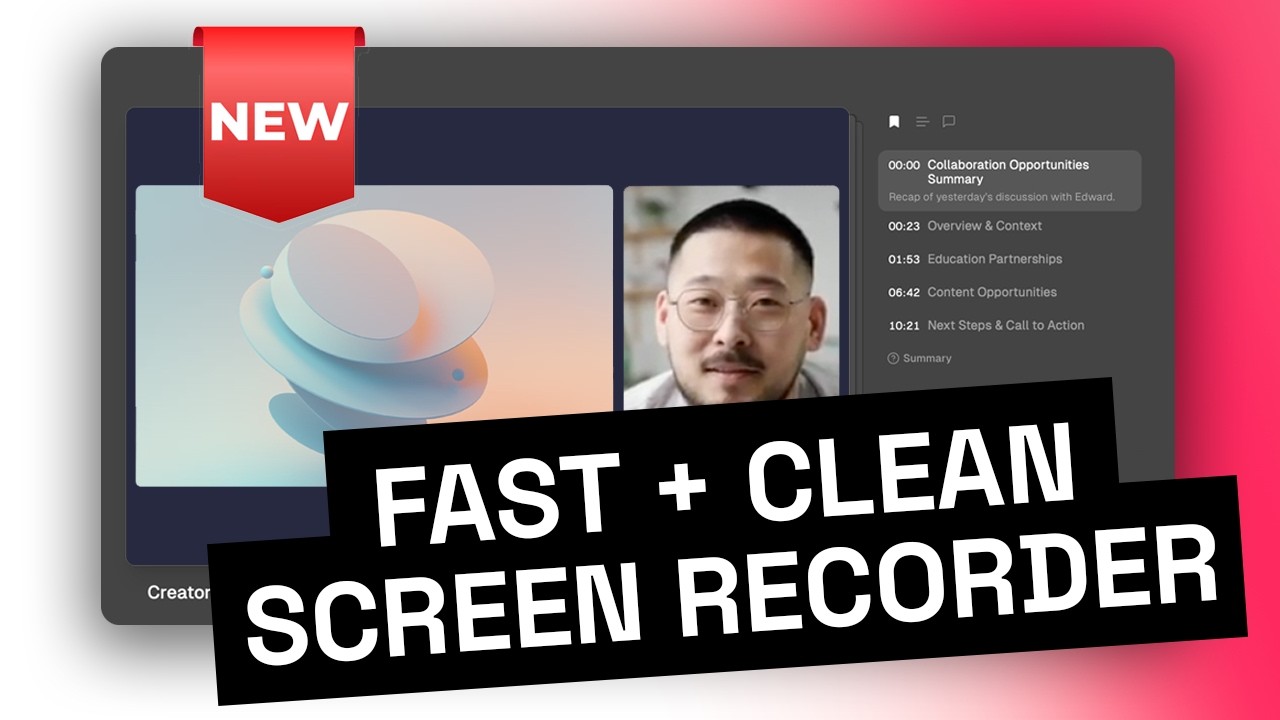
How does ツSupercut Work? A deep dive tutorial...
Try ツSupercut, it's ENTIRELY free: https://supercut.video In this short tutorial, we walk you through the basics of using Supercut — from capturing your thoughts to turning them into structured, shareable videos. 00:00 - Intro 00:14 - Recording a Supercut 01:38 - Managing the Content 02:32 - Changing Layouts 02:56 - Sharing your Supercut 03:40 - Editing 04:11 - Adding CTAs 04:34 - Audio 05:05 - Subscribe!
Featured AI Tools

Passionfroot Discovery
Streamline brand deals with an all-in-one collaboration and management platform.

Guidde - Magically create video documentation
Create How-to Videos in Seconds with AI

VibeLoop
Journaling one vibe a day with magical AI companions
Launch Embeds
Use website badges to drive support from your community for your What the AI Launch. They're easy to embed on your homepage or footer.

Sushidata
AI-driven platform for analyzing conversational data and uncovering insights.
Maxify
All-in-one CRM to build, market, and scale your business.

Nurtured
A sales platform for video outreach and collaboration.
CallNote AI
AI platform for enhancing sales calls
todai
AI-driven tool for personal branding and content creation.
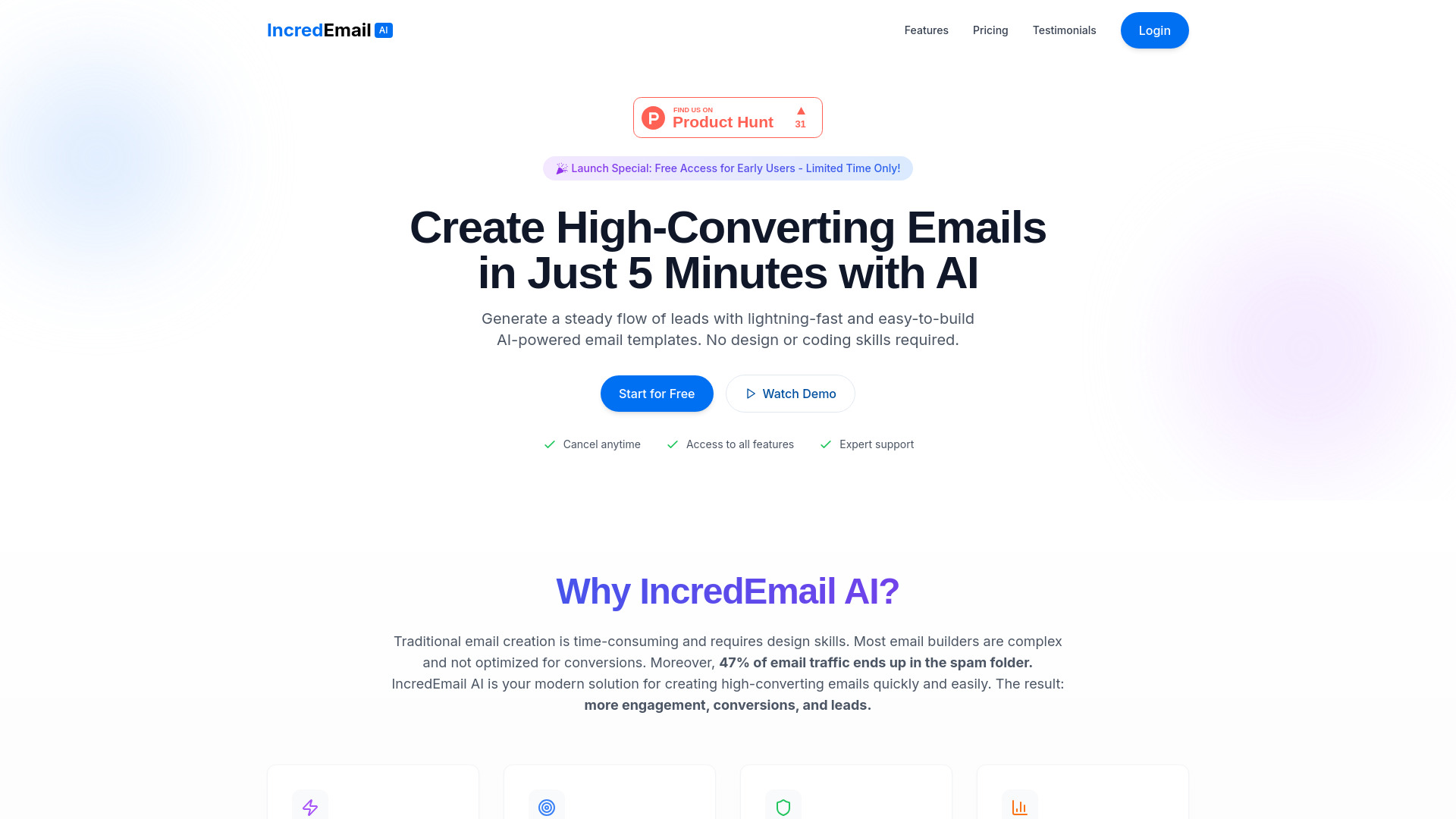
IncredEmail AI
AI email builder for quick, high-converting email creation
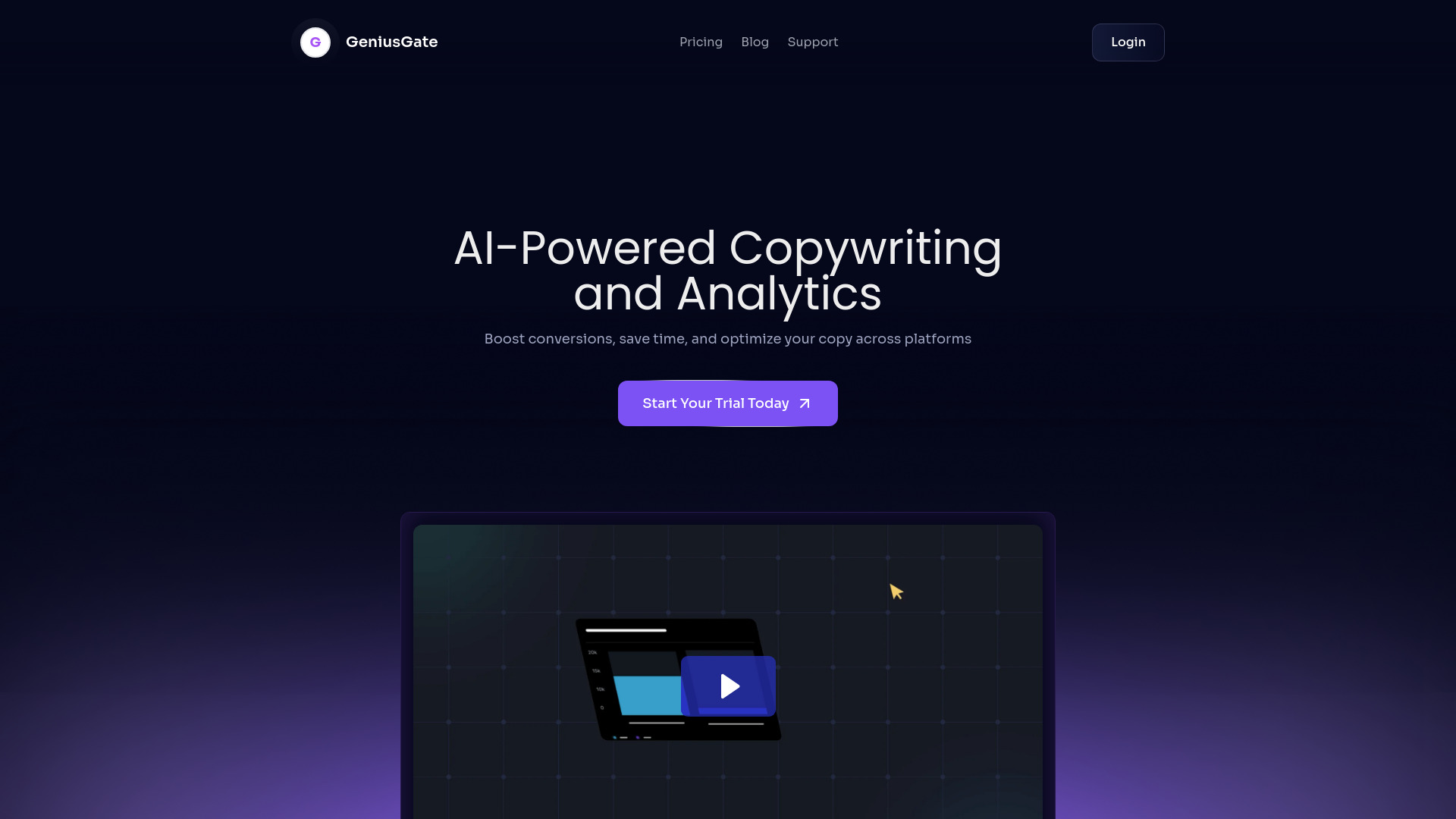
GeniusGate
AI-driven copywriting and A/B testing for better conversions.

MessengAi
AI marketing platform for WhatsApp and Telegram automation
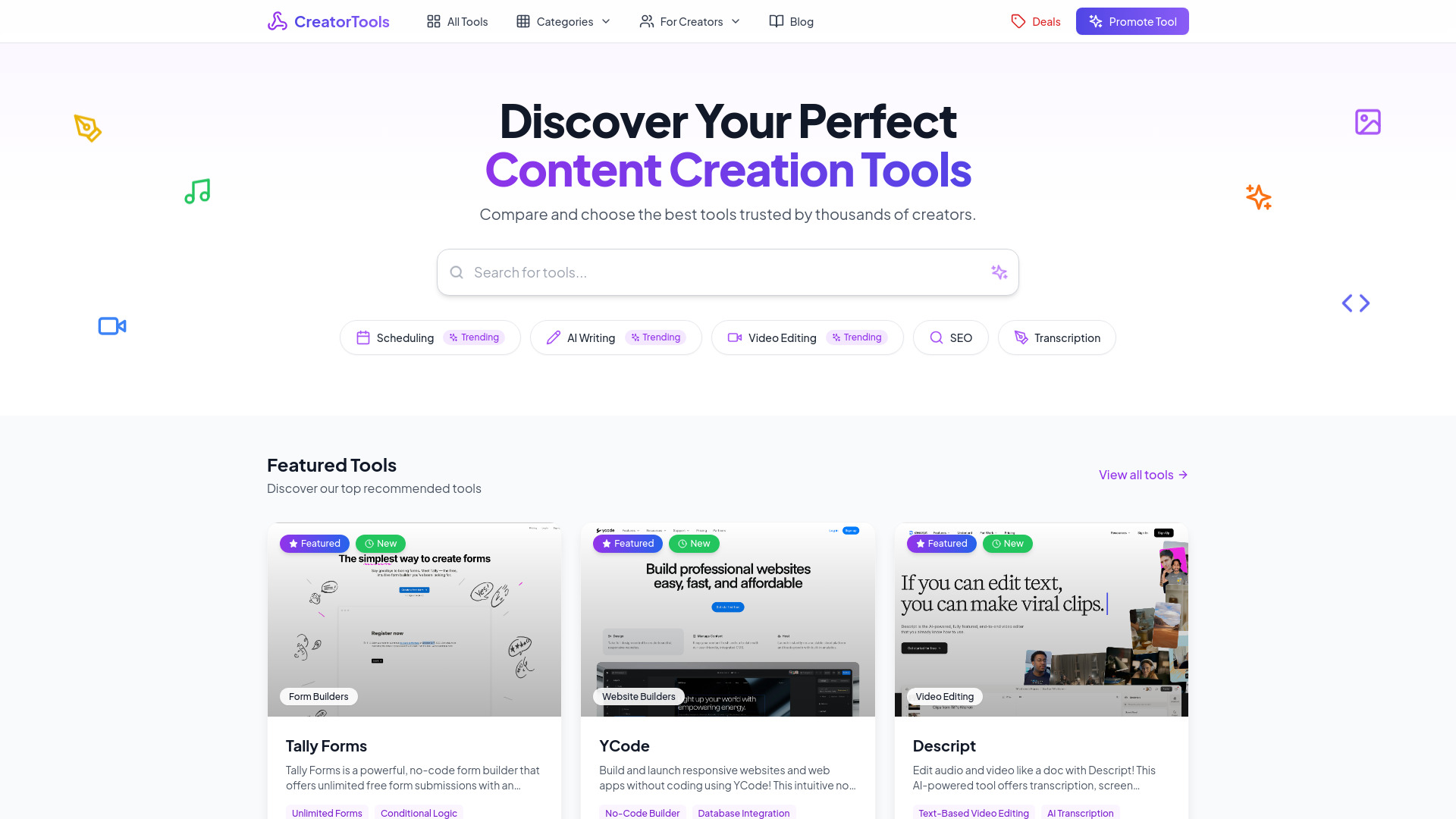
Content Creation Tools
Curated directory of tools for content creators.
Similar AI Tools
Sushidata
AI-driven platform for analyzing conversational data and uncovering insights.
Maxify
All-in-one CRM to build, market, and scale your business.
Nurtured
A sales platform for video outreach and collaboration.
CallNote AI
AI platform for enhancing sales calls
todai
AI-driven tool for personal branding and content creation.
IncredEmail AI
AI email builder for quick, high-converting email creation