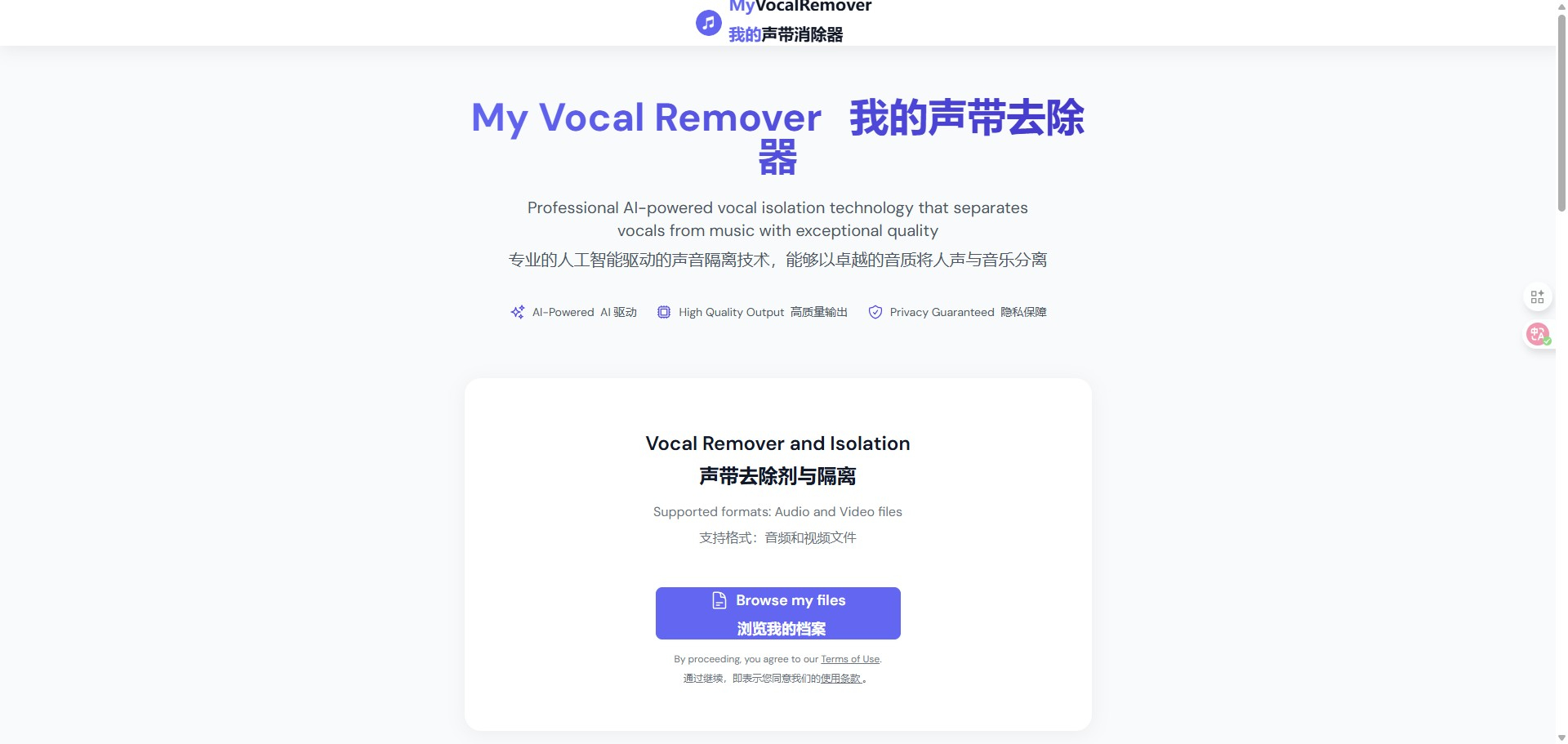
My Vocal Remover
Professional AI-powered vocal isolation technology that separates vocals from music with exceptional quality
Visit My Vocal Remover
Visit SiteAbout My Vocal Remover
Available Platforms
Added on 12/11/2025
Product Information
What is My Vocal Remover?
My Vocal Remover is an AI-based tool that separates vocals from music tracks, allowing for high-quality vocal isolation.
How to Use My Vocal Remover
- Visit the My Vocal Remover website.
- Upload the music track you want to process.
- Select the desired output format for the isolated vocals.
- Click on the 'Remove Vocals' button to start processing.
- Download the separated vocal or instrumental track once processing is complete.
My Vocal Remover's Key Features
AI-powered vocal isolation
High-quality audio output
User-friendly interface
Fast processing times
Supports multiple audio formats
No software installation needed
Accessible from any device
Pros
- Exceptional vocal isolation quality
- Easy to use for all levels
- Saves time in audio editing
- No technical expertise required
Cons
- May struggle with complex tracks
- Limited customization options
- Requires internet connection
Pros & Cons
Pros
- Exceptional vocal isolation quality
- Easy to use for all levels
- Saves time in audio editing
- No technical expertise required
Cons
- May struggle with complex tracks
- Limited customization options
- Requires internet connection
Featured AI Tools
Passionfroot Discovery
Streamline brand deals with an all-in-one collaboration and management platform.

Guidde - Magically create video documentation
Create How-to Videos in Seconds with AI

VibeLoop
Journaling one vibe a day with magical AI companions
Launch Embeds
Use website badges to drive support from your community for your What the AI Launch. They're easy to embed on your homepage or footer.

Aiva
AIVA - The AI composing emotional soundtrack music
Lovo
AI Voice Generator: Best Text to Speech | LOVO AI
Facia.ai
Fastest Face Recognition with 3D Liveness Detection | Facia

Landr
LANDR: Creative Tools for Musicians
Decoherence
Decoherence - Make AI Music Videos
Emma
Emma - Human-Like Dialogues, Natural Voices: Experience the Difference
Groot Music
Groot Music
Boomy
Boomy - Make Generative Music with Artificial Intelligence
TuneFlow
TuneFlow - Intelligent Music Making Platform, Powered by AI
Getsound
GetSound.Ai - This Moment Soundscapes
Similar AI Tools
Aiva
AIVA - The AI composing emotional soundtrack music
Lovo
AI Voice Generator: Best Text to Speech | LOVO AI
Facia.ai
Fastest Face Recognition with 3D Liveness Detection | Facia
Landr
LANDR: Creative Tools for Musicians
Decoherence
Decoherence - Make AI Music Videos
Emma
Emma - Human-Like Dialogues, Natural Voices: Experience the Difference