letz.ai
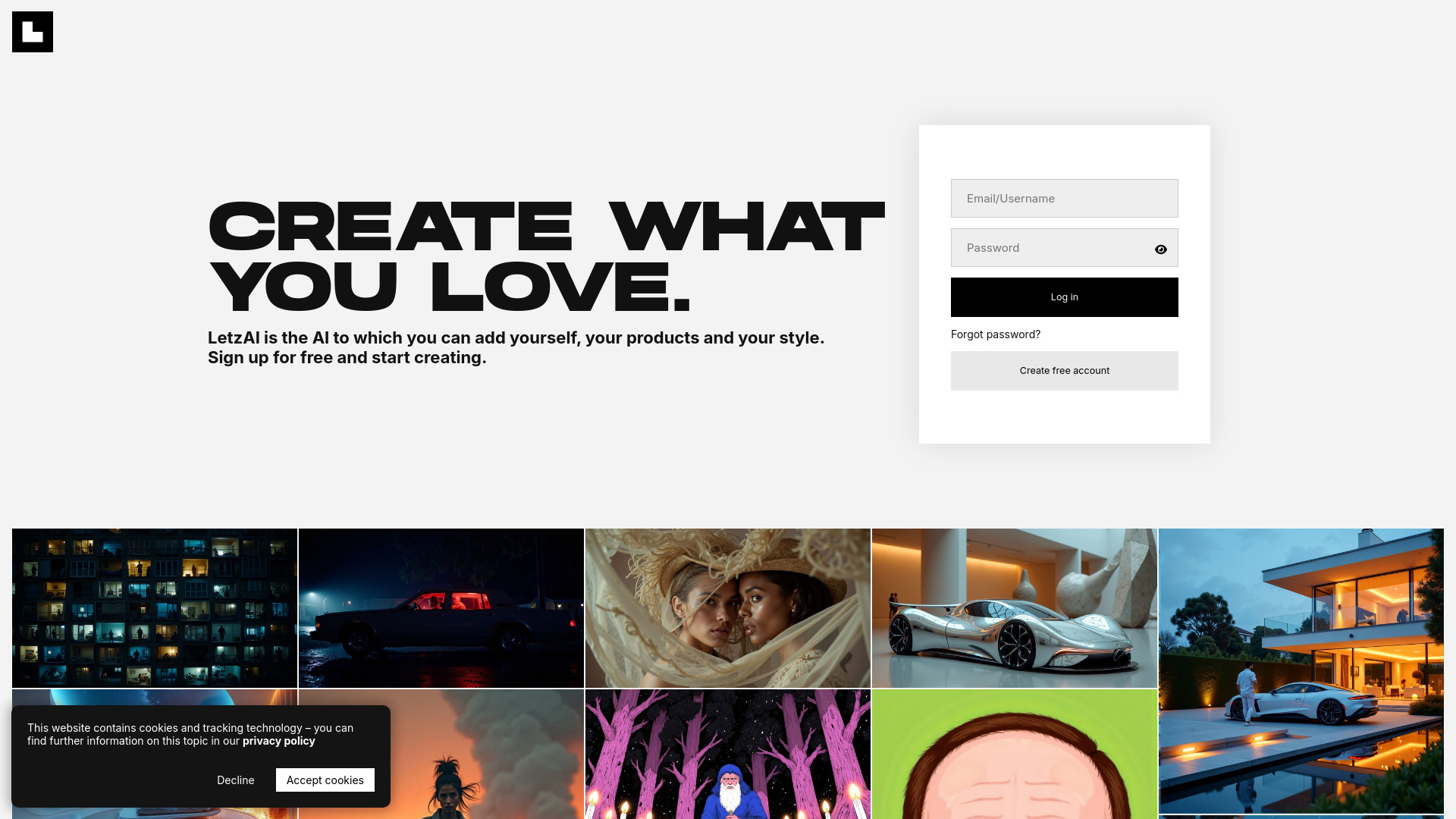
Creative platform to generate images using AI and personal styles.
Visit letz.ai
Visit SiteAbout letz.ai
Company Information
letz.ai is developed by Neon Internet, a company dedicated to creating innovative AI solutions.
Available Platforms
Tags
Added on 9/24/2024
Product Information
What is letz.ai?
LetzAI is a creative platform that enables users to generate images by tagging text. It allows users to add their own products and styles to the AI models, fostering creativity and personalization.
How to Use letz.ai
letz.ai's Key Features
Generate images using text tags
Personalization through custom AI models
Community engagement to share creations
Recommended For
Generate unique images for marketing products
Create artwork using personal styles and tags
letz.ai Tutorials
12 Herramientas para Crear Contenido con IA
Crea tu página web con Hostinger: https://www.hostinger.com/laura Conoce 12 herramientas para crear contenido con Inteligencia Artificial. Cada vez hay más herramientas que se pueden usar para crear imágenes, vídeos, música... después de investigar y analizar más de 50 herramientas, están son las más interesantes. ¡Espero que te guste el vídeo! ▬ índice ▬▬▬▬▬ 00:00 Intro 00:13 Rendernet 3:32 Crear Web cn IA 6:17 Haiper 7:55 WonderCraft 10:22 Speech to Speech de ELeven Labs 11:45 Viggle 13:57 Noisee 17:05 Lip Sync y efectos de sonido PIkalabs 19:03 Fermat 19:45 Adobe Firefly: estructura y estilo 21:55 ChatGPT inpainting 22:37 LetzAI ▬ Enlaces a las herramientas ▬▬▬▬▬ Rendernet: https://rendernet.ai/ (Con prueba gratuita pero es de pago) Web con IA: https://www.hostinger.com/laura (De pago) Haiper: https://haiper.ai/ (Gratuita de momento) Wondercraft: https://www.wondercraft.ai/ (Con prueba gratuita pero es de pago) ElevenLabs: https://elevenlabs.io/ (Con prueba gratuita pero es de pago) Viggle: https://viggle.ai/ (Gratuita de momento) Noisee: https://noisee.ai/ (Gratuita de momento) Pikalabs: https://pika.art/home (Con prueba gratuita pero es de pago) Fermat: https://toolmaker.fermat.app/tool/outfit-try-on-609ae2b8-d351-4796-b4e9-559148e8242d (Gratuita de momento) Adobe Firefly: https://www.adobe.com/es/products/firefly.html (Gratuita de momento) ChatGPT Inpainting: https://chatgpt.com/auth/login (De pago) LetzAI: https://letz.ai/ Con prueba gratuita pero es de pago) ▬ Mis redes sociales ▬▬▬▬▬▬▬▬▬▬ ▶️ Instagram: _donebylaura ▶️ TikTok: @lauranewtech ▶️ Twitter: @Donebylaura
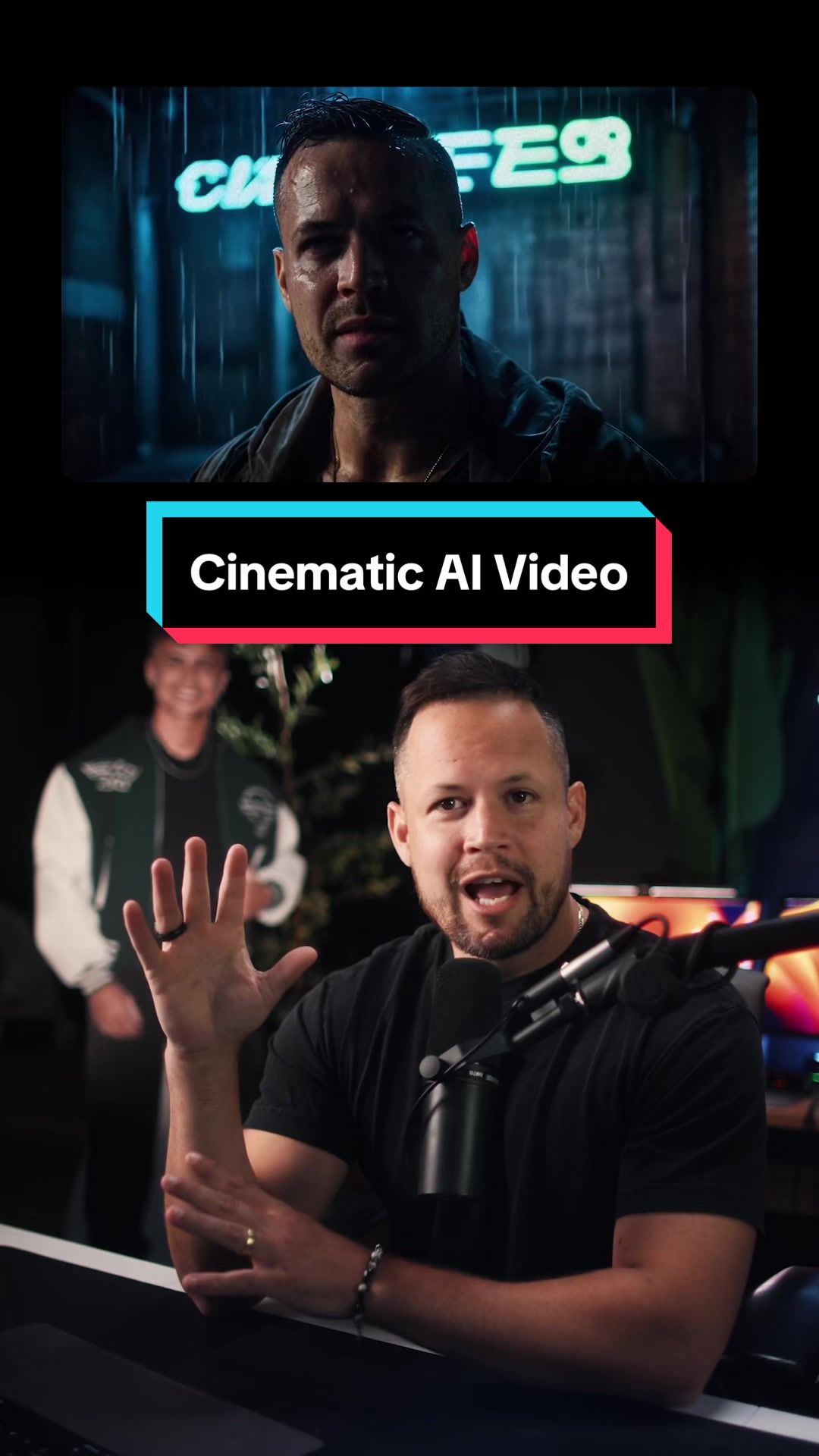
Let me teach you how to create a cinematic video featuring YOU with AI. It’s actually a fairly simple process. 1. Visit Letz.ai (not sponsored - nothing I mention in this video is) create a free account, and create your AI model by uploading 5-10 images of you. The more detailed, clear and diverse the images, the better the results. 2. Use Letz.ai to prompt any image using your model you can imagine. Make sure to @ mention the model in your prompt. Experiment here! Look at other prompts for inspiration. 3. Once you have the image you’re happy with, bring it over to Runway ML and use their image-to-video tool to bring the image to life. If you want to go the extra mile... 4. Open the video in Topaz Video AI and add grain and upscale it. 5. You could use Eleven Labs to generate SFX and Suno to generate a music track for your video. And voila... An entire cinematic video, featuring you as a main character… using AI. If you like learning about things like this… you’ll love my free newsletter. Link in bio. PEACE!
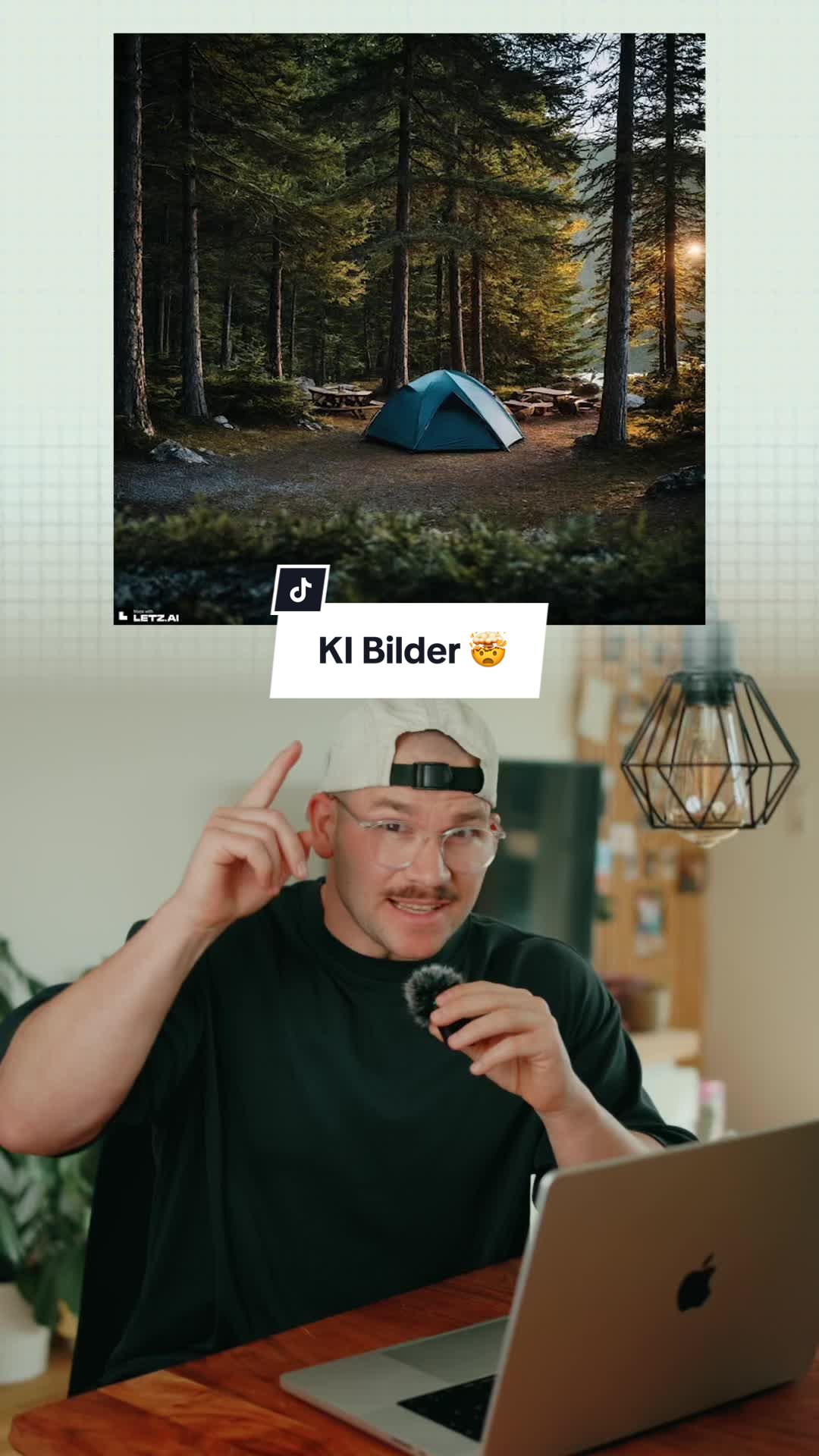
KI übertreibt schon wieder komplett. Die Plattform @letz.ai treibt das Generieren von Bildern anhand von Modellen die man selber trainieren kann auf die Spitze … ich find die Resultate sind ziemlich heftig 😮💨 #ki #ai
Pricing Plans
Featured AI Tools
Passionfroot Discovery
Streamline brand deals with an all-in-one collaboration and management platform.

Guidde - Magically create video documentation
Create How-to Videos in Seconds with AI

VibeLoop
Journaling one vibe a day with magical AI companions
Launch Embeds
Use website badges to drive support from your community for your What the AI Launch. They're easy to embed on your homepage or footer.