
GetOData
AI-powered data extraction and navigation for websites.
Visit GetOData
Visit SiteAbout GetOData
Available Platforms
Added on 9/1/2023
Product Information
What is GetOData?
GetOData is an AI-powered Chrome extension that enables seamless website data extraction in multiple formats, with automatic page navigation and analytics.
How to Use GetOData
GetOData's Key Features
AI-powered website data extraction
Support for multiple extraction formats
Automatic page navigation
Analytics and insights
Recommended For
Market research
Competitor analysis
Data scraping for business intelligence
Price monitoring
Product comparison
GetOData Tutorials

Scrapy Tutorial - Python Web Scraping with Real world Example
Scrapy is a super powerful Open Source Web Scraping tool. Check out this video to start scraping data from any website with Scrapy and Python. In this video, we extract data from a website, navigate through multiple pages, and store the data in a CSV file. 🌎 Website Used for Tutorial: - https://www.scrapethissite.com/ ⭐ Article on Xpath and Free Xpath Finder tool: - https://www.getodata.com/blog/xpath-for-web-scraping-complete-2024-guide - https://chromewebstore.google.com/detail/xpath-finder/gmnpnkpkfgifjiobncgioblpdlmdcbec #scrapy #webscraping #python ----------------------------------------------------------------------------------------------------- Let’s connect online: 🐦 Twitter: https://twitter.com/Swapbuilds 💻 LinkedIn: https://www.linkedin.com/in/swapnil-mane/ Tools created by me: 🤖 GetOData (Data Extraction Tool to help you get unblocked) : https://www.getodata.com/ 📊 Free Xpath Finder: https://chromewebstore.google.com/detail/xpath-finder/gmnpnkpkfgifjiobncgioblpdlmdcbec?ref=producthunt ⚡Productivity Tool: https://tromodoro.com/ 🙋Who am I: I am Swapnil Mane, a Data Extraction and Web Automation Expert at a remote Startup,💚 Top Rated freelancer, Founder of GetOData.com and various other SaaS products. I am also a Content creator who likes to share everything I learn while building cool and useful stuff.

Beautiful Soup or Scrapy or Selenium - Best tool for Python Web scraping?
Confused between Beautiful Soup, Selenium, and Scrapy and wondering which tool to Learn for Python Web Scraping? In this video, I explain the features, advantages, and limitations of each technology in detail. We also compare them alongside each other and share some tips that I gained from my journey of Web Scraping. Here is the article where all the codes and illustrations are shared: https://www.getodata.com/blog/beautiful-soup-vs-scrapy-vs-selenium-which-one-to-use-python-web-scraping #Beautiful Soup #scrapy #selenium -------------------------------------------------------------------------------------------------- Let’s connect online: 🐦 Twitter: https://twitter.com/Swapbuilds 👨💻 LinkedIn: https://www.linkedin.com/in/swapnil-mane/ Tools created by me: 🤖 GetOData (Data Extraction Tool to help you get unblocked) : https://www.getodata.com/ 📊 Free Xpath Finder: https://chromewebstore.google.com/detail/xpath-finder/gmnpnkpkfgifjiobncgioblpdlmdcbec ⚡Productivity Tool: https://tromodoro.com/ 🙋 Who am I: I am Swapnil Mane, a Data Extraction and Web Automation Expert at a remote Startup,💚 Top Rated freelancer, Founder of GetOData.com and various other SaaS products. I am also a Content creator who likes to share everything I learn while building cool and useful stuff.

How I got $75k Remote job from Freelancing (Tips included)
Are you looking to start Freelancing and get a Remote Developer Job or monetize your skills? Then this video would be helpful since it showcases my journey on how I got started with Freelancing, how I got the remote job and also tips on how can you get started with Freelancing. #Freelancing #remote-jobs #Upwork ------------------------------------------------------ Let’s connect online: 🐦 Twitter: https://twitter.com/Swapbuilds 💻 LinkedIn: https://www.linkedin.com/in/swapnil-mane/ Tools created by me: 🤖 GetOData (Data Extraction Tool to help you get unblocked) : https://www.getodata.com/ 📊 Free Xpath Finder: https://chromewebstore.google.com/detail/xpath-finder/gmnpnkpkfgifjiobncgioblpdlmdcbec?ref=producthunt ⚡Productivity Tool: https://tromodoro.com/ 🙋 Who am I: I am Swapnil Mane, a Data Extraction and Web Automation Expert at a remote Startup,💚 Top Rated freelancer, Founder of GetOData.com and various other SaaS products. I am also a Content creator who likes to share everything I learn while building cool and useful stuff.
Featured AI Tools

Passionfroot Discovery
Streamline brand deals with an all-in-one collaboration and management platform.

Guidde - Magically create video documentation
Create How-to Videos in Seconds with AI

VibeLoop
Journaling one vibe a day with magical AI companions
Launch Embeds
Use website badges to drive support from your community for your What the AI Launch. They're easy to embed on your homepage or footer.

Sendsmrt
Automates cold email personalization using AI for better response rates.
Elook.AI
AI-driven lead generation and WhatsApp automation platform.
LeadsArmy.io
AI platform for high-quality lead generation for businesses.
Cenote
AI platform automating medical practice back office operations.
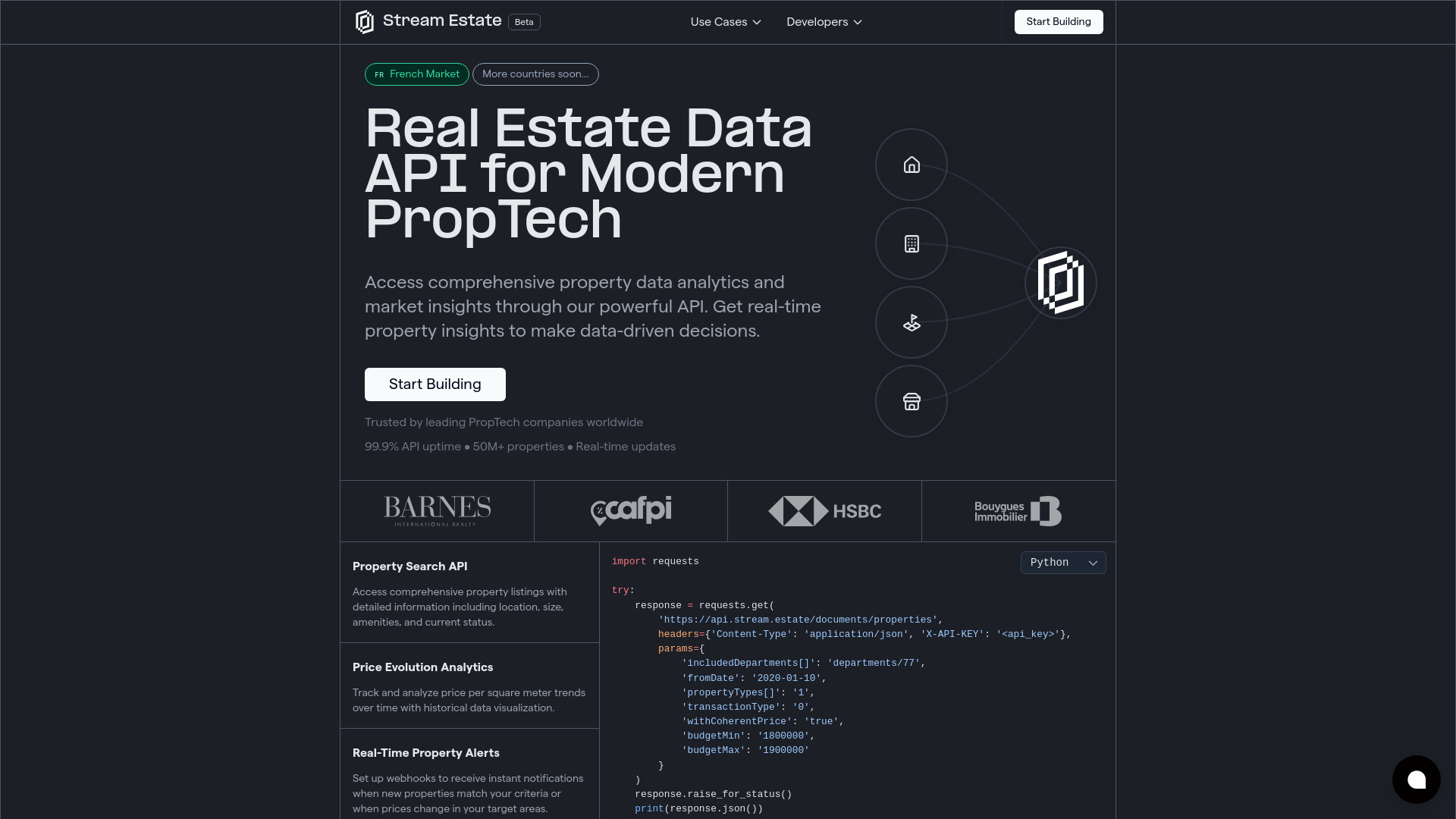
Stream.Estate
Real estate data API providing market insights and property analytics.
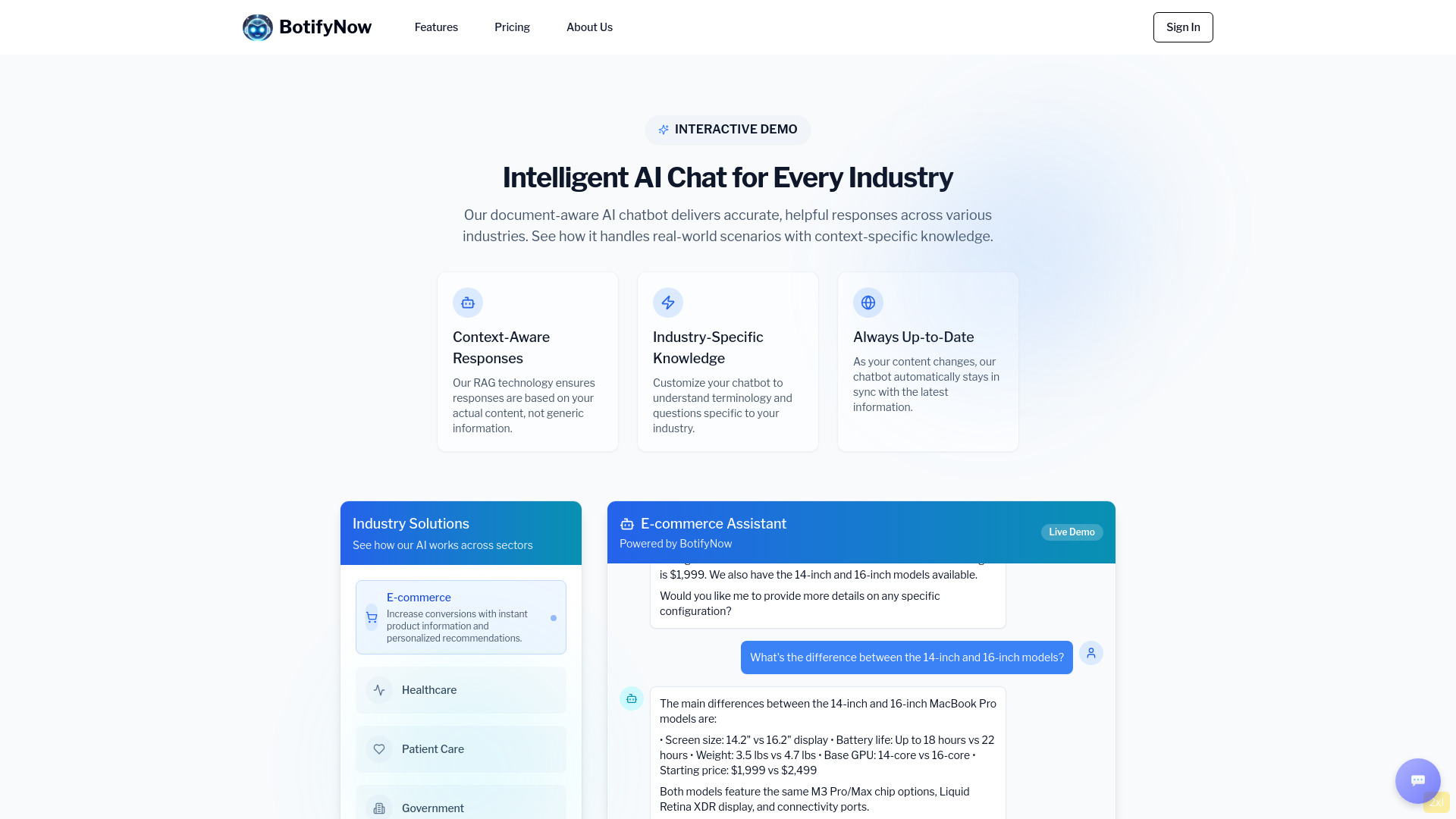
BotifyNow
AI chatbot service that synchronizes documents for accurate responses.
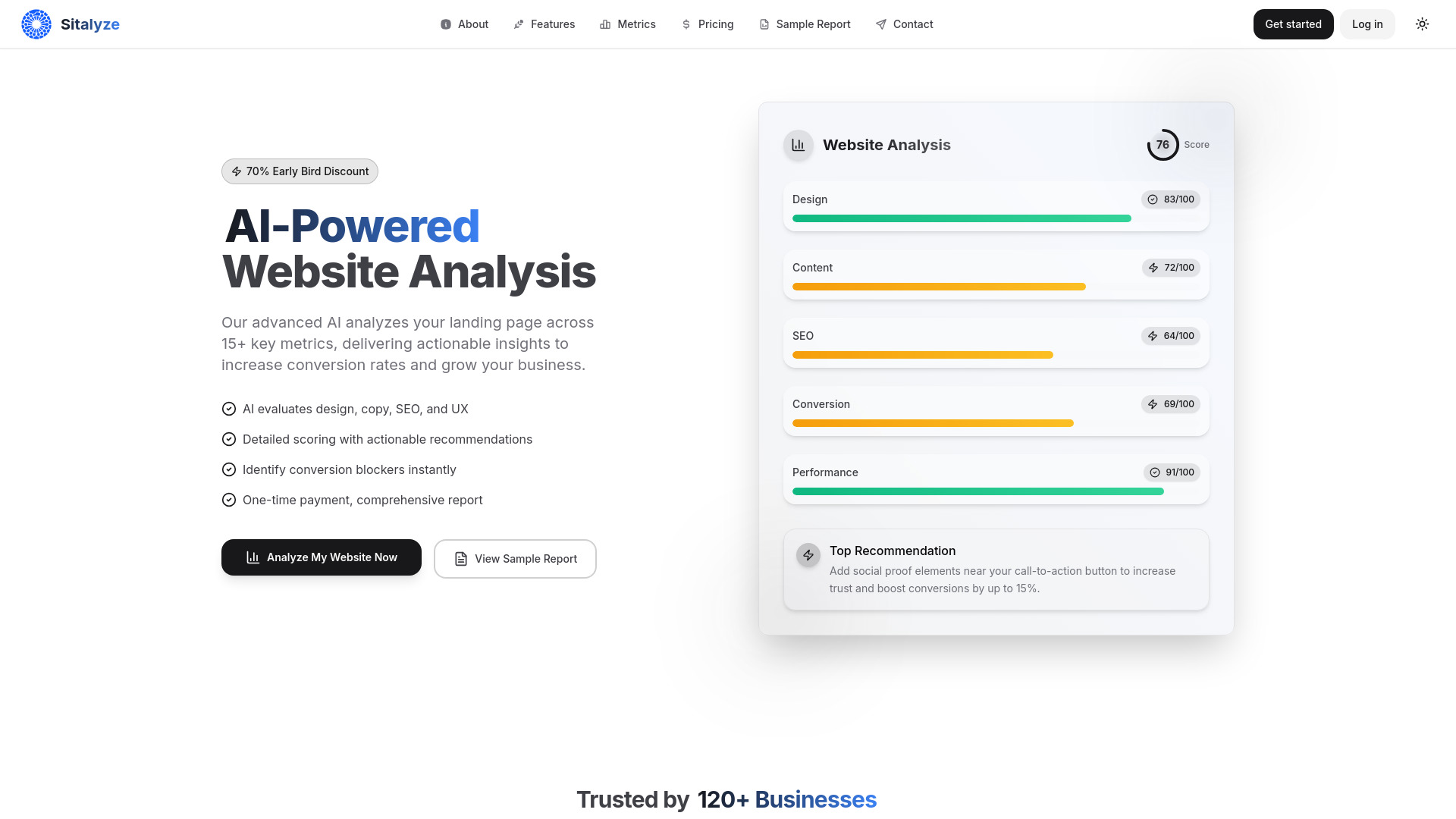
Sitalyze
AI-powered tool for comprehensive website analysis and insights.
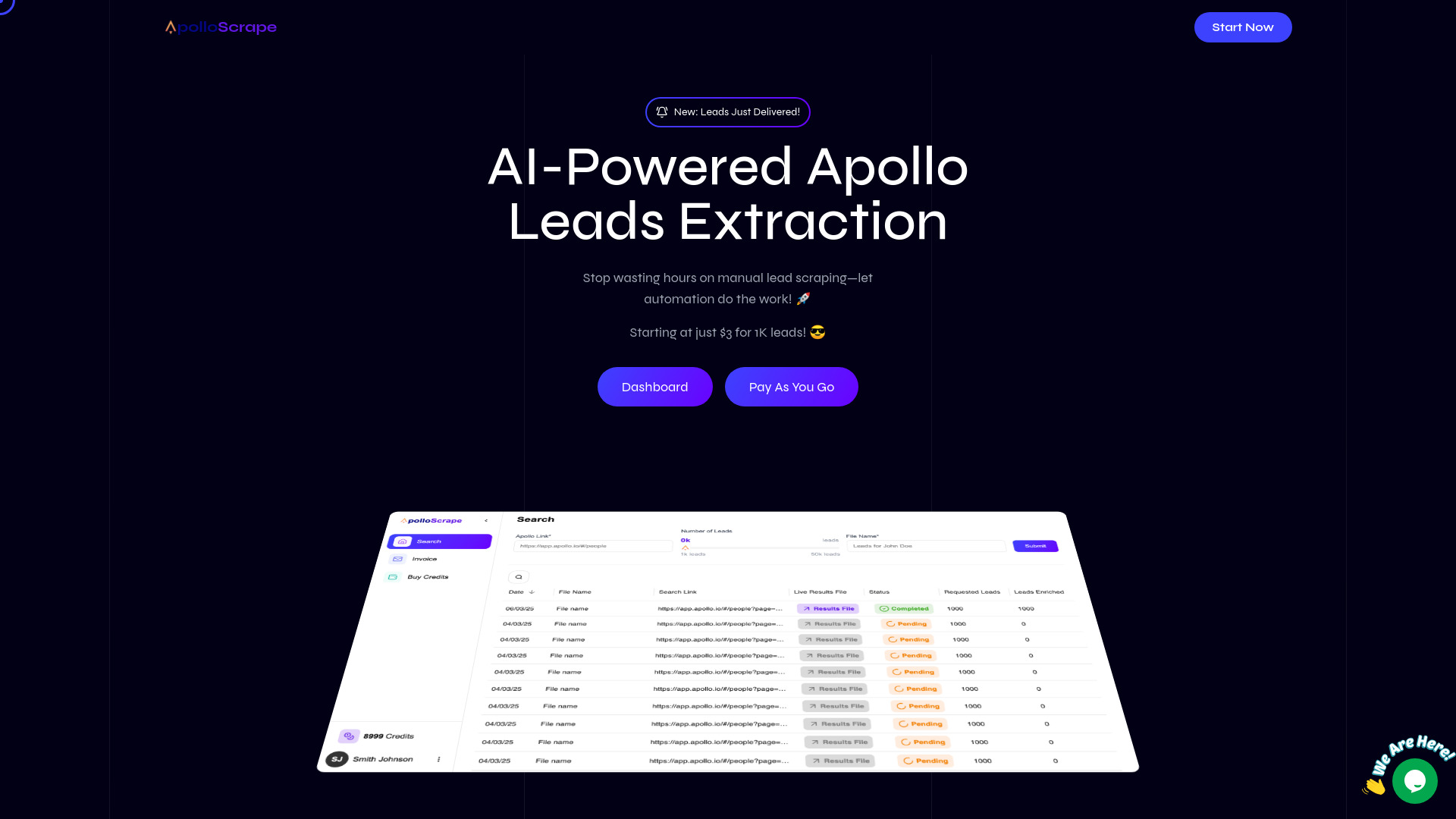
Apollo Scrape
Automated lead extraction tool for efficient lead sourcing.
Scrapefully
AI-driven tool for effortless web scraping without coding.
Similar AI Tools
Sendsmrt
Automates cold email personalization using AI for better response rates.
Elook.AI
AI-driven lead generation and WhatsApp automation platform.
LeadsArmy.io
AI platform for high-quality lead generation for businesses.
Cenote
AI platform automating medical practice back office operations.
Stream.Estate
Real estate data API providing market insights and property analytics.
BotifyNow
AI chatbot service that synchronizes documents for accurate responses.