EasyScribe
Easily transcribe audio and video files.
Visit EasyScribe
Visit SiteAbout EasyScribe
Available Platforms
Added on 12/4/2025
Product Information
What is EasyScribe?
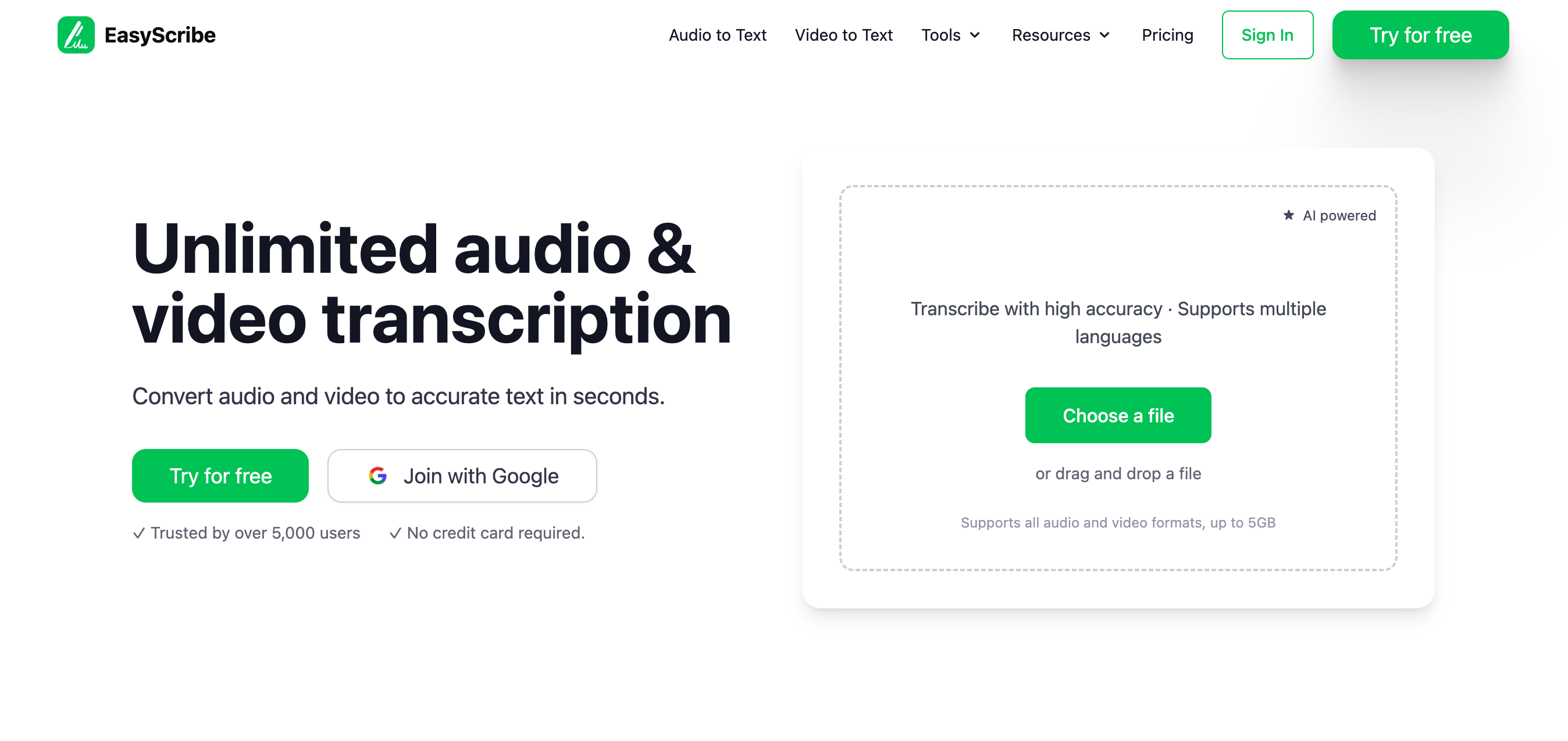
EasyScribe is an online transcription tool that automatically converts audio and video files into text, designed for users needing quick and accurate transcriptions.
How to Use EasyScribe
- Visit the EasyScribe website and create an account.
- Log in and upload your audio or video file.
- Select the desired language and transcription options.
- Submit the file for transcription and wait for processing.
- Review and edit the generated transcription if necessary.
- Download or share the final transcription as needed.
EasyScribe's Key Features
Automatic transcription
Multiple file format support
User-friendly interface
High accuracy rates
Fast processing times
Multi-language support
Editable transcripts
Pros
- Saves time on manual transcription
- High accuracy with advanced technology
- Supports various audio/video formats
- User-friendly for all skill levels
- Quick turnaround on transcriptions
Cons
- Limited free trial options
- May require editing for perfect accuracy
- Occasional issues with heavy accents
Pros & Cons
Pros
- Saves time on manual transcription
- High accuracy with advanced technology
- Supports various audio/video formats
- User-friendly for all skill levels
Cons
- Limited free trial options
- May require editing for perfect accuracy
- Occasional issues with heavy accents
Featured AI Tools
Passionfroot Discovery
Streamline brand deals with an all-in-one collaboration and management platform.

Guidde - Magically create video documentation
Create How-to Videos in Seconds with AI

VibeLoop
Journaling one vibe a day with magical AI companions
Launch Embeds
Use website badges to drive support from your community for your What the AI Launch. They're easy to embed on your homepage or footer.


Soniva
AI voice communication for engaging interactions and data collection.
BOND
Meeting optimization tool with note-taking automation
Smart Dictate
Context-aware dictation and AI tool for enhanced productivity.
CopyBoots
AI-powered copywriting tool with templates for various content.
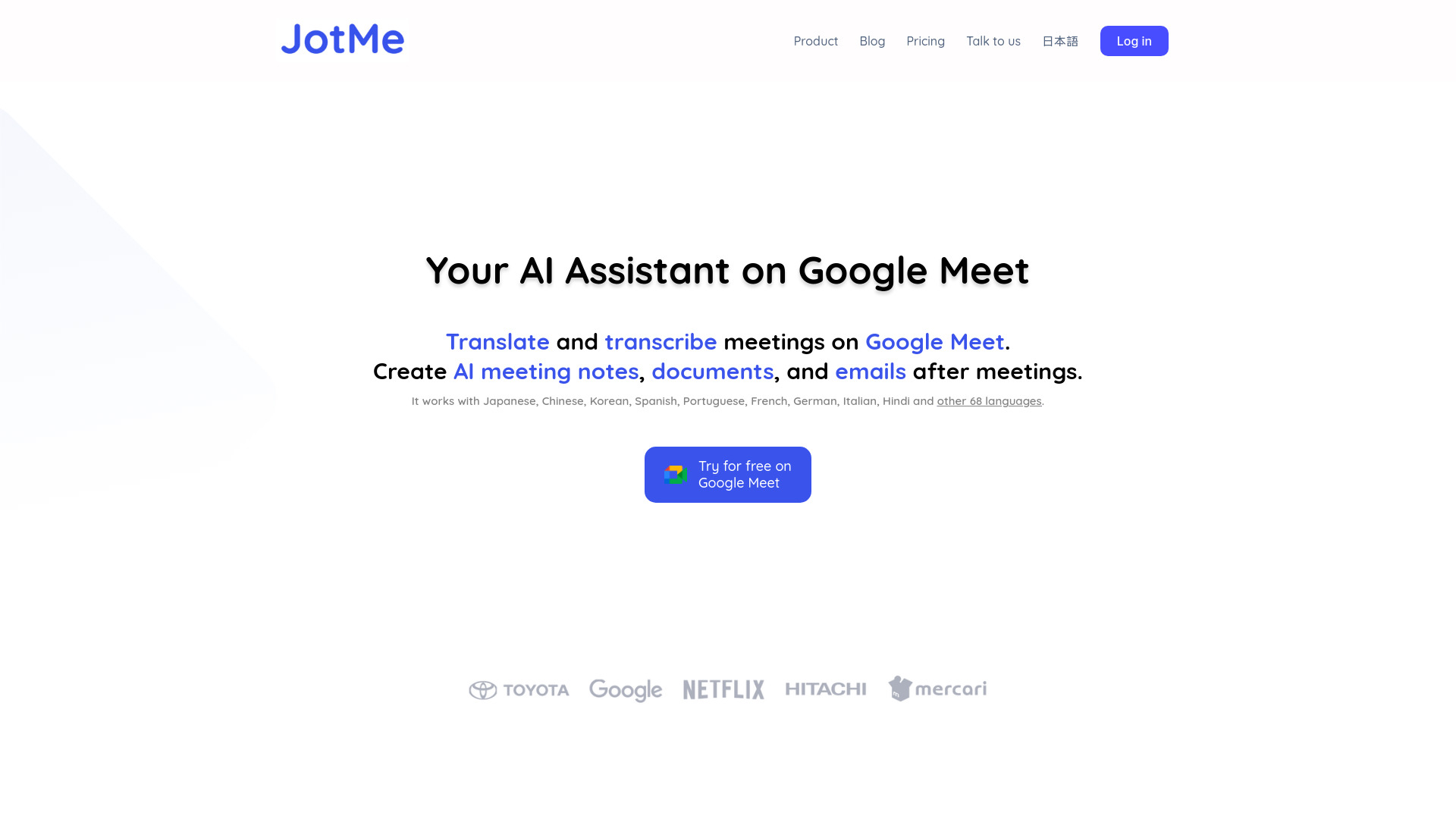
JotMe for Google Meet
Real-time translation and multilingual meeting notes platform
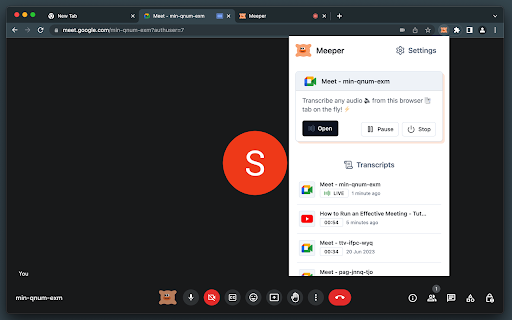
Meeper - transcribe & summarize Meets
Virtual secretary for conferences.
Meetklu
Capture and transcribe meeting moments effortlessly.
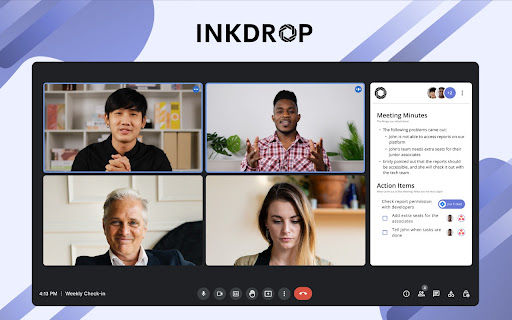
Record & Summarize your Meetings - Inkdrop
Boost meeting productivity with AI automation.
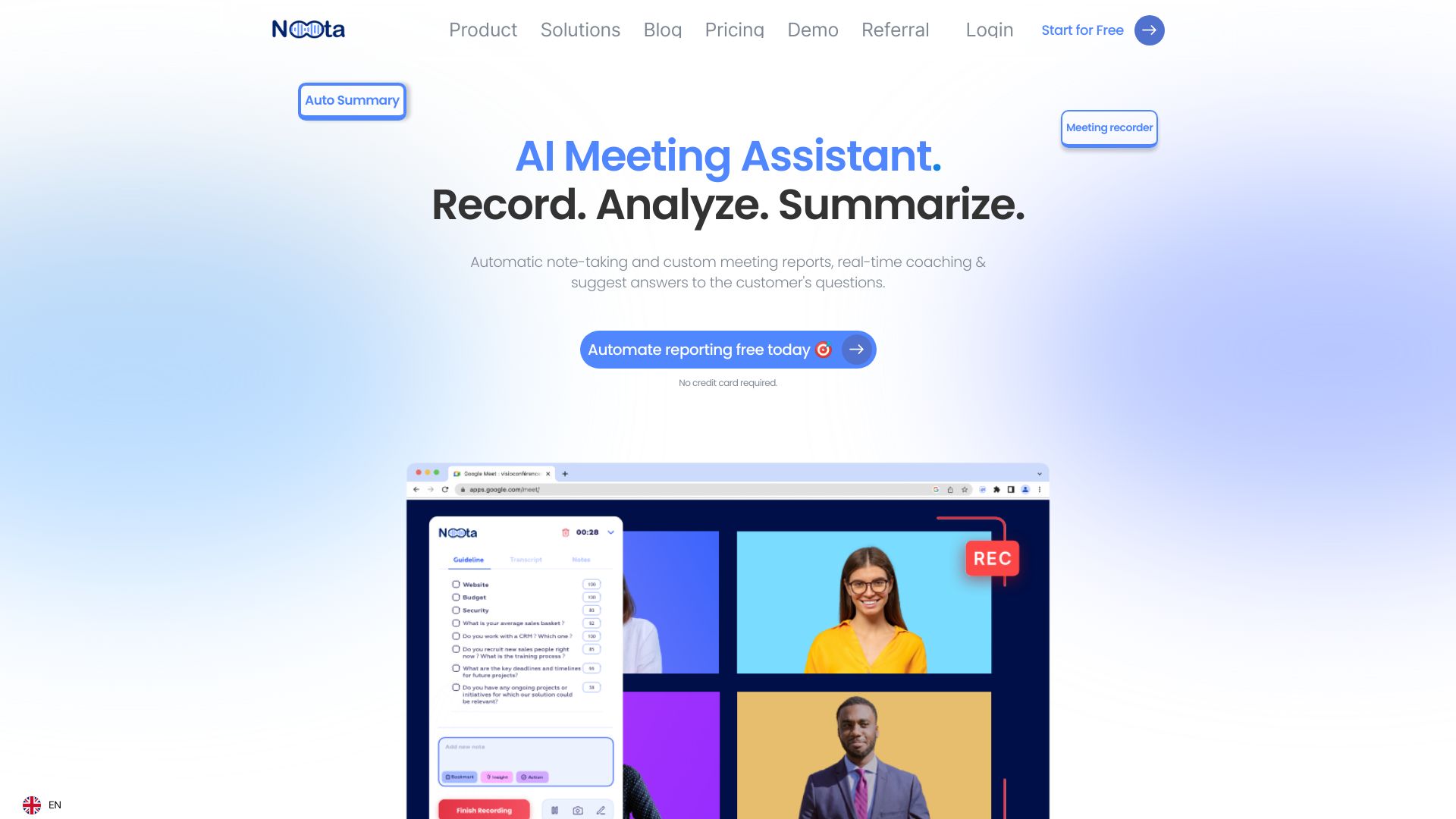
Noota
Noota is an AI assistant that automates note-taking and generates meeting reports.

CCXai
AI-driven CRM to enhance customer engagement and support.
Similar AI Tools
Soniva
AI voice communication for engaging interactions and data collection.
BOND
Meeting optimization tool with note-taking automation
Smart Dictate
Context-aware dictation and AI tool for enhanced productivity.
CopyBoots
AI-powered copywriting tool with templates for various content.
JotMe for Google Meet
Real-time translation and multilingual meeting notes platform
Meeper - transcribe & summarize Meets
Virtual secretary for conferences.